

Whether you use Divi, block themes, or custom ACF fields, AI can fit right into your process. It doesn’t replace creativity; it amplifies it. The goal is to work smarter, automate the dull parts, and deliver projects that feel crafted, not cloned.
Why AI Matters for WordPress Right Now
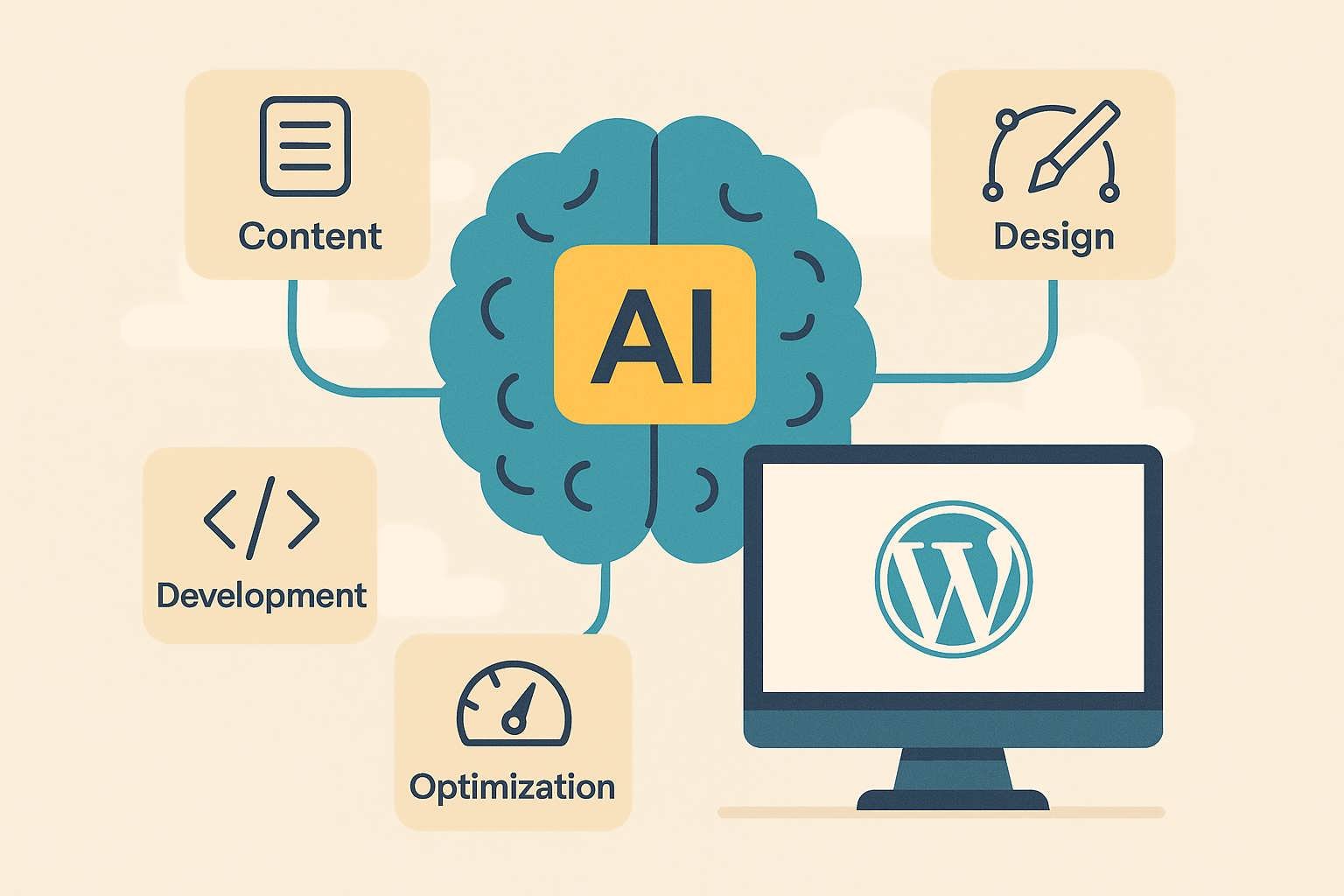
AI tools have grown far beyond simple chatbots. They now handle layout suggestions, generate SEO-ready copy, optimize performance, and even write snippets of PHP and JavaScript. For agencies balancing multiple client sites, that’s transformative. Instead of spending hours resizing images or crafting alt tags, AI does it instantly, leaving you to focus on branding and storytelling (Emotion Studios).
More importantly, clients have caught on. They expect faster turnarounds, higher quality, and better SEO — without higher prices. AI bridges that gap by streamlining every stage of WordPress development.
What an AI-Powered Workflow Looks Like
- Brief intake. Gather goals, brand voice, audience type, and design preferences.
- AI draft. Generate headings, copy, and calls-to-action that align with the client’s tone.
- Design prototype. Let AI tools suggest layouts and color schemes compatible with Divi or full-site editing.
- Development scaffold. Use AI-generated snippets for custom blocks, REST API endpoints, or ACF templates.
- Optimization. Automate image compression, accessibility checks, and metadata creation.
- Human refinement. Designers fine-tune visuals, developers review logic, and editors polish tone and accuracy (WPDeveloper).
Step-by-Step Implementation Guide
| Step | Action | Purpose |
|---|---|---|
| Audit | List repetitive or time-consuming tasks like resizing images or writing FAQs. | Reveals where automation saves time. |
| Pick Tools | Choose AI systems that integrate smoothly with WordPress (content, code, or design). | Ensures workflow stability. |
| Set Guardrails | Define when AI is allowed and when human oversight is required. | Maintains quality and trust. |
| Pilot | Test on one live project and compare delivery speed and client satisfaction. | Validates process before full rollout. |
Real Benefits for WordPress Agencies
Agencies using AI report faster delivery, fewer revisions, and higher client retention. Imagine completing a 10-page corporate site in four days instead of eight. Or generating 50 optimized product descriptions in an hour instead of five. The math is obvious: more projects completed = more profit = better margins.
But it’s not just about speed. AI improves consistency. Every page gets properly formatted meta tags, optimized images, and clear structure. That directly boosts SEO performance, reduces bounce rates, and increases conversions. When paired with Divi’s visual builder and your creative eye, the results feel custom but are built faster than ever before.
Common Pitfalls & How to Avoid Them
AI is powerful, but it’s not magic. The main risks are over-reliance, generic tone, and factual errors. Here’s how to keep control:
- Never publish AI content without human editing. It’s efficient, not infallible.
- Keep a voice style guide to preserve each client’s brand personality.
- Regularly review tool outputs for accessibility compliance and SEO quality.
- Document everything so your team knows which AI decisions are automated and which are manual.
Divi Use-Case: Property Listing Site
- Gather property data and client branding.
- AI generates engaging listing descriptions and CTAs for each property.
- Divi templates are built for listings, search results, and single pages. AI suggests gallery layouts and CTA placement.
- Implement ACF fields for custom meta. Use AI to draft schema markup and sample PHP templates.
- Optimize all images automatically and add keyword-rich alt tags.
- Deliver the project with an “AI-accelerated build” report showing the time saved and performance improvements.
“AI tools are now part of the standard toolkit for WordPress developers and content teams.” — Emotion Studios
Top AI Tools Worth Trying
- Bertha AI: AI copy assistant designed specifically for WordPress editors.
- 10Web AI Builder: Generates entire website layouts based on text prompts.
- ChatGPT API: Useful for creating dynamic content via shortcodes or custom admin tools.
- Midjourney / DALL-E: Generate brand-specific visuals directly from client briefs.
- Rank Math Pro AI Assistant: Enhances on-page SEO optimization with AI-suggested meta and schema.
Marketing the Advantage to Clients
Frame AI as a premium feature, not a shortcut. Explain that it increases speed, precision, and value. Clients love hearing about innovation that benefits them. Phrases like “AI-accelerated web design” or “smart workflow optimization” position your agency as future-ready. You can even show metrics comparing manual vs AI-assisted builds to prove efficiency.
Transparency builds trust. Include a short note in your proposals outlining how AI helps reduce costs and turnaround times without replacing your creative expertise.
What the Future Holds for WordPress + AI
In the next few years, expect WordPress core to feature deeper AI integration. From auto-generated alt text and layout intelligence to content optimization suggestions right inside the editor, automation will become part of the ecosystem. Agencies that master AI workflows now will already be ahead of the curve when those updates roll out.
We may also see hybrid setups — AI handling bulk work while human designers focus on brand emotion, storytelling, and UX details that algorithms still can’t replicate. The best agencies will treat AI as a creative partner, not a replacement.
Final Recommendations
Start small: pick one repetitive task, automate it, and measure the result. Document your workflow and gradually scale automation across projects. Keep a human at every checkpoint to preserve quality. Combine AI precision with your creative vision, and you’ll transform how fast and how well your agency delivers WordPress sites.
By 2025, clients will expect AI efficiency as part of your standard offering. Agencies that adapt early will thrive, while others will scramble to catch up. The tools exist — your workflow just needs to evolve.







0 Comments