
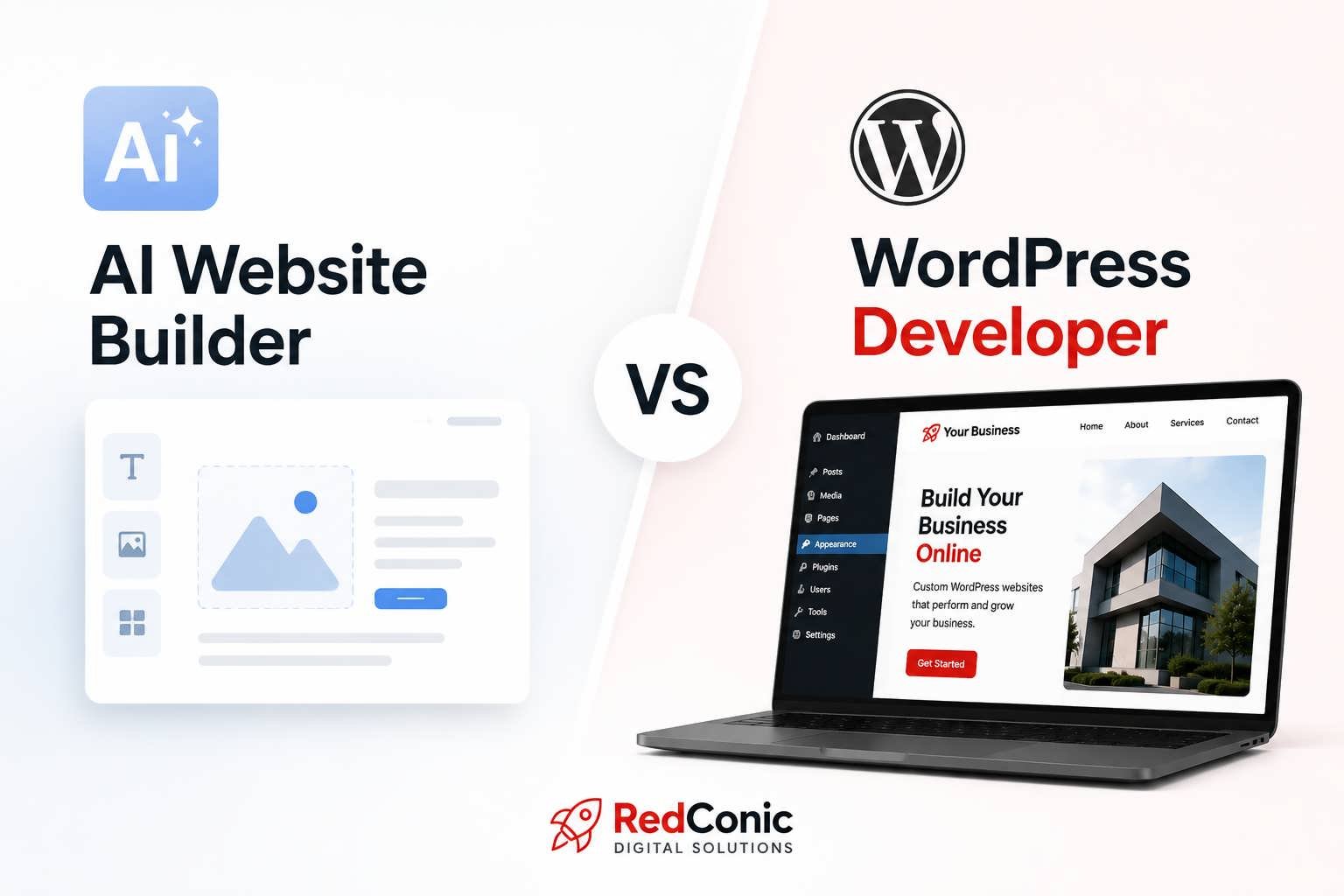
An AI website builder can hand you a finished-looking homepage in about four minutes. That is not marketing exaggeration anymore — it is simply what the tools do now. So the obvious question follows: why would any business still hire a WordPress developer in 2026?
It is a fair question, and it deserves a straight answer rather than a defensive one. We build WordPress and Divi sites for a living, so we have an obvious interest here. But we also use AI tools every single day, and pretending they are useless would be both dishonest and easy to disprove. The honest answer is more interesting than either extreme: the two are good at almost entirely different parts of the job, and most businesses lose money by confusing one for the other.
What Changed in WordPress This Year
Two things shifted in 2026 and they pulled in opposite directions.
First, WordPress itself got significantly more capable at generated and assisted building. WordPress 7.1 arrived in August 2026 with improvements aimed squarely at the editor, responsive design controls, and collaborative content workflows, alongside a stronger connection layer for AI providers (“What’s new for developers”). The platform is no longer treating AI assistance as a bolt-on plugin category. It is becoming part of how sites get assembled.
Second, the bar for what counts as a working website went up. Search engines got stricter about performance and stability. Accessibility moved from a compliance afterthought to a ranking and legal concern. Visitors got less patient. As one industry analysis of the year’s design trends put it, a visually impressive website that loads slowly or frustrates users will still struggle, which is why performance-first and accessibility-first design are now essential rather than optional (“20 WordPress Web Design Trends”).
So generation got easier at exactly the moment that quality standards got harder. That is the squeeze most small business owners are sitting inside without quite realising it.
Where AI Website Builders Genuinely Win
Let us be specific, because vague praise is useless.
AI builders are excellent at eliminating the blank canvas. Building a website feature used to mean opening an empty code file; now it can start with a sentence, and AI tools generate working components, plugins, and themes that cut setup time dramatically (“The Top 6 WordPress Design Trends in 2026”). For a first draft, a proof of concept, or an internal tool nobody outside your company will see, that speed is a real and legitimate advantage.
They are also good at structural suggestions. If you genuinely do not know whether your homepage needs a testimonial section, an AI builder will propose a reasonable default arrangement drawn from thousands of similar sites. That is a useful starting point, particularly for someone who has never thought about page structure before.
And they are cheap. For a business testing whether an idea has any market at all, spending four hundred dollars to find out is smarter than spending four thousand.
Where They Consistently Fall Short
The failures we encounter are remarkably consistent, and almost none of them are visual.
Forms that do not send anywhere are the single most common issue we find. The form renders, the submit button animates, the success message appears, and the enquiry goes nowhere. The business owner assumes nobody is interested. In reality, nobody was ever heard.
Unoptimised media is second. Generated sites routinely ship with images two or three megabytes each, because the builder had no reason to care about the file it was handed. On a fast desktop connection this is invisible. On mobile data it is fatal.
Then there is semantic and SEO structure. Heading hierarchies that skip levels. Homepage H1 tags that read “Welcome to Our Website.” Missing alt attributes. Meta descriptions left as placeholder text. None of this breaks the page, which is exactly why it goes unnoticed for months.
Finally, and least visibly, there is the maintenance question. A generated site that stacks eleven plugins to achieve what two would handle becomes progressively harder and more expensive to update as WordPress moves forward.
A Direct Comparison
| Factor | AI Website Builder | WordPress Developer |
|---|---|---|
| Time to first draft | Minutes to hours | Days to weeks |
| Upfront cost | Low, often subscription-based | Higher, project-based |
| Visual quality | Competent, increasingly polished | Tailored to brand and audience |
| Performance and Core Web Vitals | Rarely optimised by default | Built in from the start |
| Custom functionality and integrations | Limited to supported patterns | Built to requirement |
| Accessibility compliance | Inconsistent | Testable and auditable |
| Strategy and conversion design | Not attempted | Central to the process |
| Long-term maintenance cost | Rises over time | Predictable and documented |
| Differentiation from competitors | Low, patterns repeat widely | High |
That last row deserves more attention than it usually gets. With AI-generated layouts everywhere, original presentation matters more, not less, and brands that develop their own visual rhythm and interaction patterns stand out precisely because so much else now looks alike (“20 WordPress Web Design Trends”). If your three closest competitors used the same generator you did, you have paid to look interchangeable.
Five Checks You Can Run on Your Own Site Today
None of these require a developer. All of them take under ten minutes together.
- Load it on mobile data. Turn off wifi, open your homepage, and count the seconds until you can read something. Anything past three seconds is costing you visitors before they see a word.
- Submit your own contact form. Fill it in properly and wait. If nothing arrives within a few minutes, your site is a brochure, not a lead source.
- Read your H1 aloud. If a competitor could put the identical sentence on their homepage without changing anything, it is introducing rather than selling.
- Run a free performance test. Put your URL through Google PageSpeed Insights and look specifically at the mobile score and the Core Web Vitals section, not the overall number.
- Navigate using only the keyboard. Press Tab repeatedly. If you cannot reach your menu, your form fields, and your main call to action, neither can a meaningful segment of your audience.
How to Decide Which Route Fits You
Use an AI builder when you are validating an idea, when the site is genuinely temporary, when nobody’s buying decision depends on it, or when your budget realistically does not stretch to custom work yet. There is no shame in any of those situations, and a fast imperfect site beats no site.
Hire a developer when the website is a primary source of revenue, when you need integrations with a CRM or booking system or payment flow, when you operate in a regulated or accessibility-sensitive sector, when organic search is central to how customers find you, or when looking distinguishable from your competition actually matters commercially.
The most sensible framing we have heard on this comes from within the WordPress community itself:
“The best use of AI in WordPress web design is not to replace designers, but to speed up iteration, planning and testing” (“20 WordPress Web Design Trends”).
That matches our own workflow closely. AI has made us faster at the mechanical parts of building. It has made the judgement calls more valuable, because adequate output is now available to everyone.
The Hybrid Approach Most Businesses Should Consider
There is a middle path that gets overlooked. Generate a first draft to clarify what you want, then bring a developer in to rebuild it properly on solid foundations. You arrive at the conversation knowing your own preferences, which shortens discovery considerably and usually reduces the total cost.
What does not work is generating a site, launching it, and treating it as finished. That is the version we spend most of our remediation hours undoing, and undoing is always more expensive than building correctly the first time.
Where This Leaves You
AI website builders produce websites. Developers build things that generate business. The distance between those two outcomes has not narrowed in 2026 — if anything it has widened, because producing something adequate now costs almost nothing while producing something effective costs exactly what it always did.
If your site was built fast and is not converting, that is usually a fixable problem rather than a rebuild. But you need someone to tell you honestly which of the two you are looking at.
We do that assessment properly, and we will tell you plainly if your existing site is fine as it stands. Get in touch with RedConic Digital Solutions and send us your URL — we will walk through what is working, what is costing you, and what it would genuinely take to fix.
Works Cited
- “20 WordPress Web Design Trends for 2026 You Shouldn’t Ignore.” WPDeveloper, wpdeveloper.com.
- “The Top 6 WordPress Design Trends in 2026.” WordPress.com Blog, wordpress.com.
- “What’s New for Developers? (August 2026).” WordPress Developer Blog, developer.wordpress.org.







0 Comments