WORDPRESS MAINTENANCE & SUPPORT
Keep Your WordPress Website Updated, Protected & Running Smoothly.
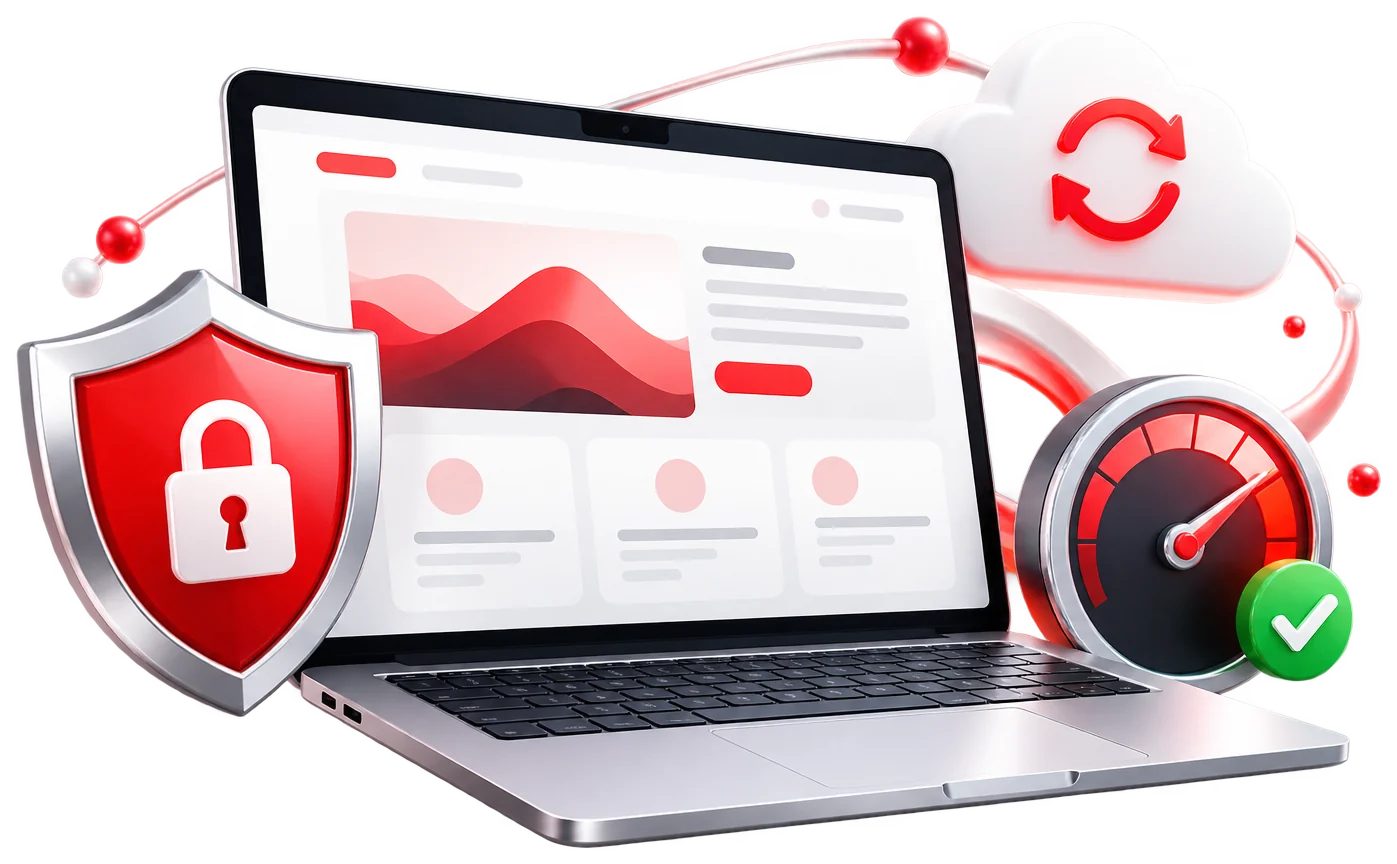
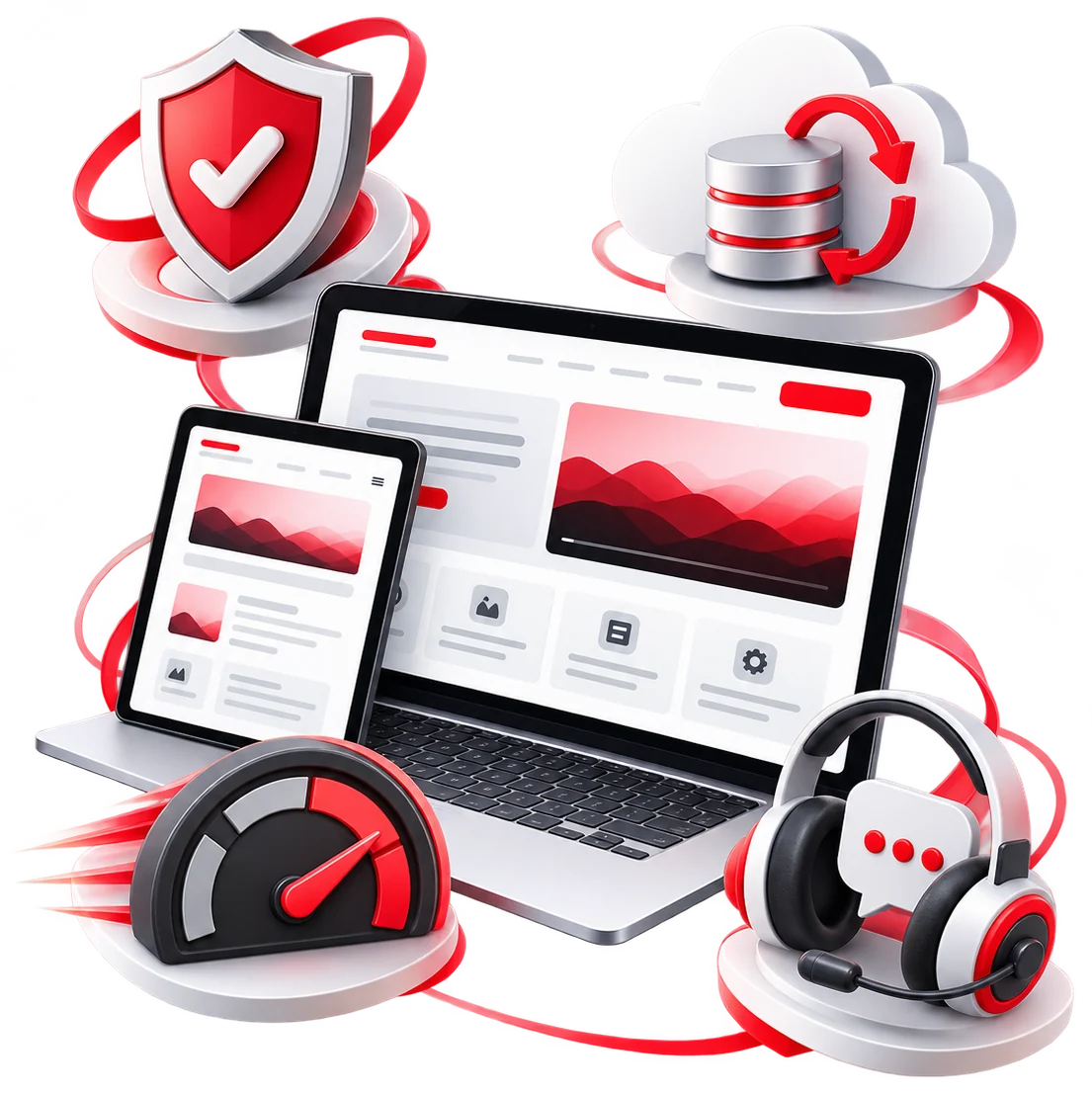
Your website plays an important role in your business. RedConic helps maintain WordPress and WooCommerce websites through regular updates, backups, security checks, performance improvements, and technical support, so you can spend less time dealing with website issues.
WordPress Updates • Backups • Security Checks • Performance • Technical Support
COMMON WEBSITE PROBLEMS
Is Your Website Becoming Difficult to Maintain?
WordPress websites rely on themes, plugins, hosting, and integrations working together. Without regular maintenance, small technical issues can become frustrating problems for businesses and customers.

Outdated Plugins and Themes
Outdated WordPress components may introduce compatibility issues or leave known vulnerabilities unpatched.
How We Help: We review and manage updates with attention to compatibility and important website functions.

Compatibility Problems
A plugin or theme update can unexpectedly affect forms, layouts, integrations, or checkout functionality.
How We Help: We review important website functionality and investigate problems associated with updates.

Website Errors
Broken pages, malfunctioning forms, or unexpected errors can disrupt the experience for potential customers.
How We Help: We troubleshoot technical problems and work to restore affected functionality.

Security Concerns
Outdated software and weak configurations can increase a website's exposure to security threats.
How We Help: We review security-related configurations, maintenance practices, and appropriate protection tools.

Slow Website Performance
Slow-loading pages can make it harder for visitors to browse your website, especially on mobile devices.
How We Help: We investigate performance issues and recommend suitable optimizations.

Unreliable Backups
A backup is only useful when it contains the required data and can be restored when needed.
How We Help: We help configure backup routines and review restoration readiness according to the agreed maintenance scope.
OUR MAINTENANCE SERVICES
Practical Website Maintenance, Without Unnecessary Complexity.
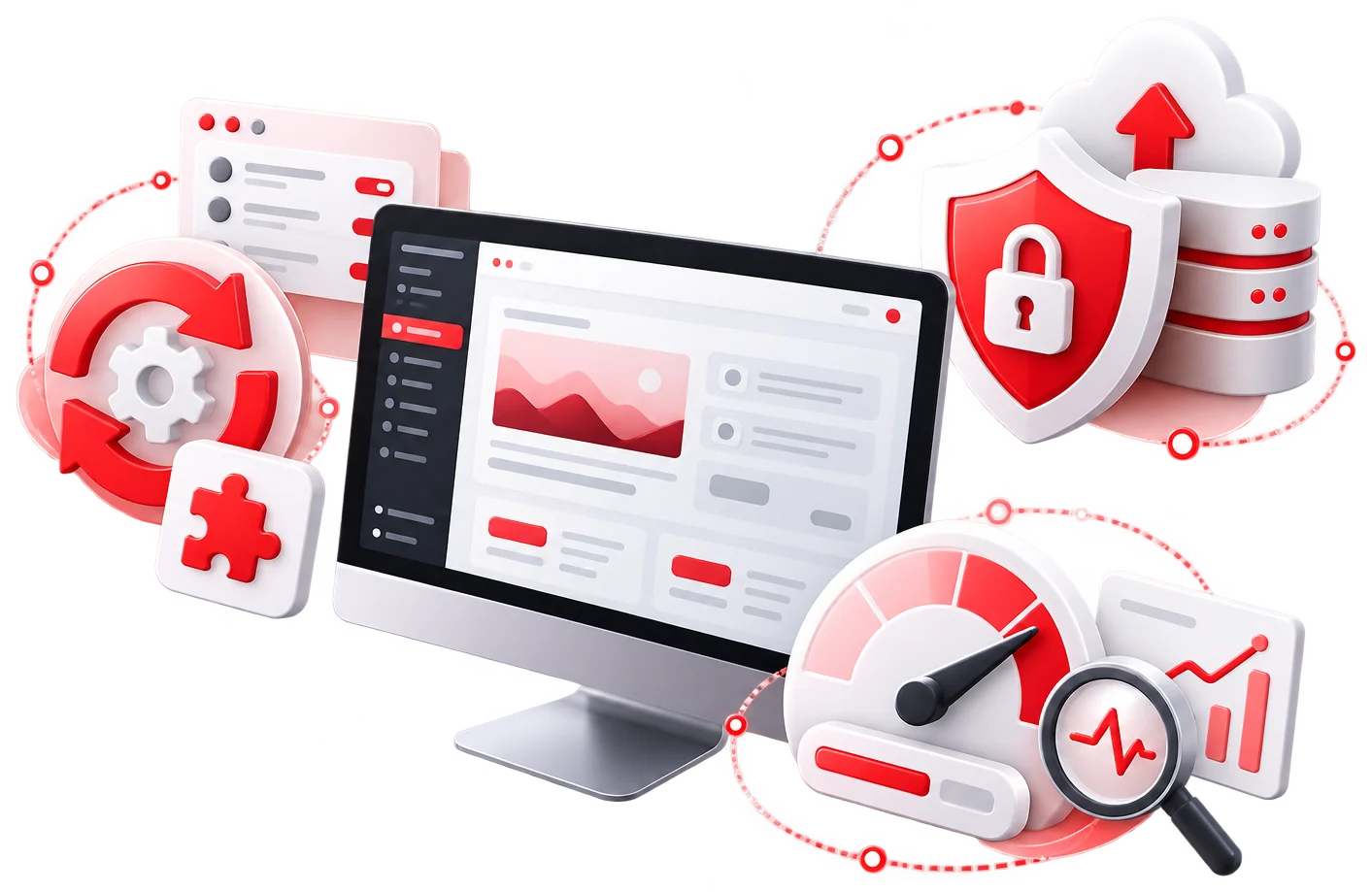
From routine WordPress updates to troubleshooting and performance improvements, we help manage the technical tasks required to keep your website maintained and usable.
Updates & Compatibility
- WordPress Core Updates
- Review and apply WordPress updates using an appropriate maintenance process.
- Plugin and Theme Maintenance
- Maintain installed plugins and themes while checking important compatibility considerations.
- Compatibility Testing
- Review key pages and functionality after significant changes.
Security & Recovery Preparedness
- Backup Configuration
- Configure or review scheduled backups according to the website's requirements.
- Security Checks
- Review relevant security settings, software status, and potential warning signs.
- Error Troubleshooting
- Investigate broken features, unexpected behavior, and reported technical issues.
Performance & Website Improvements
- Performance Optimization
- Investigate slow-loading pages and implement suitable improvements where included in the agreed scope.
- WooCommerce Maintenance
- Review important online store functions, integrations, and compatibility after updates.
- Content and Website Changes
- Assist with agreed content updates, minor improvements, and technical adjustments.
PLATFORMS & TOOLS
Trusted WordPress Tools, Selected for Your Website.
We work with established WordPress security and performance tools, choosing the ones appropriate for each website's hosting environment, configuration, and maintenance needs.
- WordPressCore website platform, updates, and content management.
 Wordfence SecurityWordPress firewall and malware scanning capabilities.
 Solid SecurityWordPress security configuration and login protection.
 Sucuri SecurityWebsite security monitoring and related security services.
- WP RocketCaching and website performance optimization.
 LiteSpeed CacheCaching and optimization capabilities suited to supported hosting environments.
 FlyingPressPerformance optimization features for WordPress.
These tools are alternatives selected for compatibility and requirements, not a bundle installed together. Security tools and caching tools are chosen according to your website’s needs.
All product names and logos are trademarks of their respective owners. Their use shows tools we work with and does not imply partnership or endorsement.
HOW WE MAINTAIN WEBSITES
A Consistent Process for Important Website Maintenance.
We follow an organized maintenance workflow, checking the website before and after important changes rather than relying on updates alone.
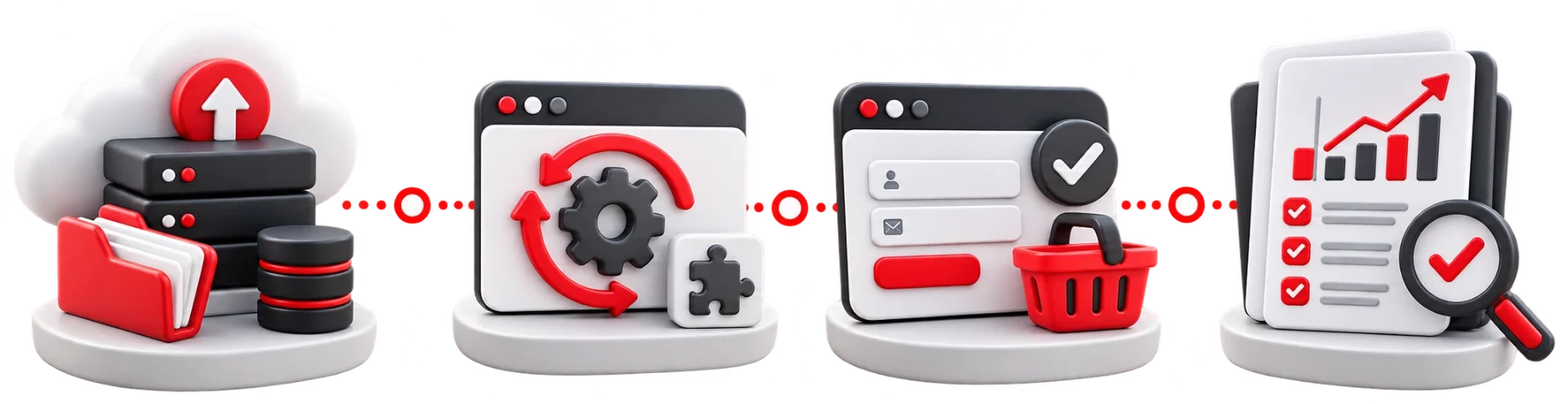
Back Up First
Confirm that an appropriate backup is available before important changes.
Update Carefully
Apply relevant core, theme, and plugin updates while considering compatibility.
Test Important Functions
Check key customer journeys such as navigation, forms, and WooCommerce checkout where applicable.
Review & Report
Document relevant changes, issues discovered, and recommendations for further action.
BUSINESS BENEFITS
Less Technical Stress. A More Dependable Website.
Ongoing maintenance helps you stay on top of website changes, identify technical concerns, and keep important functionality working as intended.
Fewer Unexpected Problems
Routine checks can help identify issues earlier and reduce the risk of avoidable disruptions.
Better Backup Preparedness
An organized backup process improves your ability to respond when restoration becomes necessary.
Improved Website Reliability
Regular maintenance and compatibility reviews help keep essential website functions dependable.
Support When Problems Occur
Have a clear way to request technical help when something on your website needs attention.
Ongoing Performance Attention
Review website performance over time and address problems when suitable improvements are identified.
More Time for Your Business
Spend less time handling routine technical tasks yourself, with maintenance responsibilities clearly assigned.


OUR APPROACH
A Clear Process for Ongoing WordPress Care.
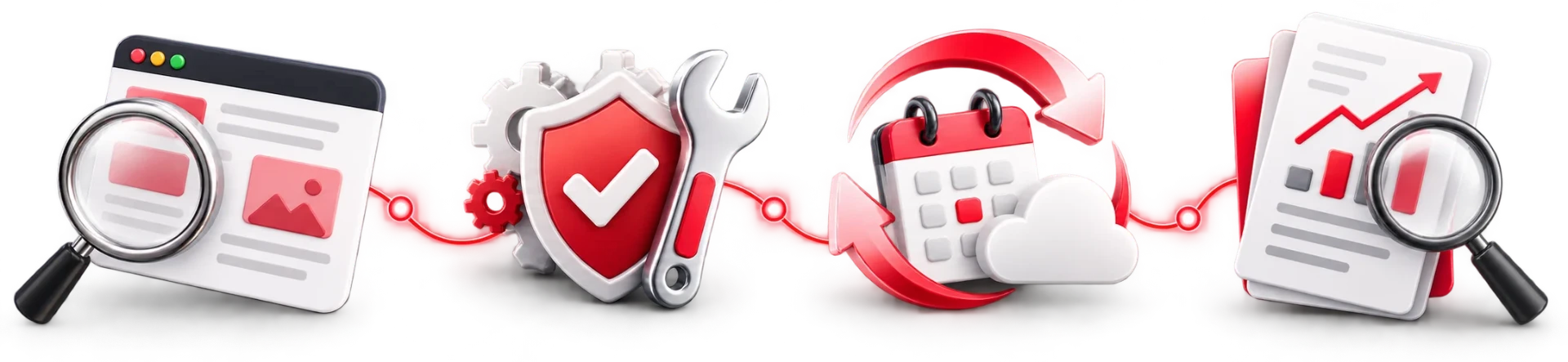
We begin by understanding the website's current condition, address agreed priorities, and establish a practical maintenance approach.
- 01
Review Your Website
We review the current WordPress setup, installed components, hosting considerations, existing backups, and reported concerns.
- 02
Stabilize & Prepare
We address agreed priority issues, review backup readiness, and prepare the website for ongoing maintenance.
- 03
Ongoing Maintenance
We carry out the updates, checks, and technical tasks included in the agreed maintenance arrangement.
- 04
Report & Recommend
We communicate relevant work completed, issues identified, and recommendations for future improvements.
Maintenance That Fits Your Website.
Different websites need different levels of support. A simple business website may require routine updates and backup checks, while a WooCommerce store or heavily customized WordPress website may need more extensive testing and technical attention.
- Routine Maintenance
- Regular checks, updates, and other agreed recurring tasks.
- Technical Assistance
- Help investigating problems and implementing fixes within the agreed support scope.
- Additional Development
- Major redesigns, new functionality, complex integrations, or substantial development changes can be scoped separately.
- Security Incidents
- Urgent security incidents or malware recovery may require additional investigation, specialist work, or a separate quotation depending on the service arrangement.
FAQs
Frequently Asked Questions
Practical answers about WordPress maintenance, backups, troubleshooting, and support arrangements.
KEEP YOUR WEBSITE IN GOOD HANDS
Need Reliable WordPress Maintenance & Support?
Whether your website needs regular maintenance, technical troubleshooting, or help with WordPress updates, tell us what you're dealing with. We'll review your requirements and discuss a suitable approach.
