The practical quote-to-order playbook for store owners who want fewer forgotten inquiries, clearer quotations, and a smoother path to payment.
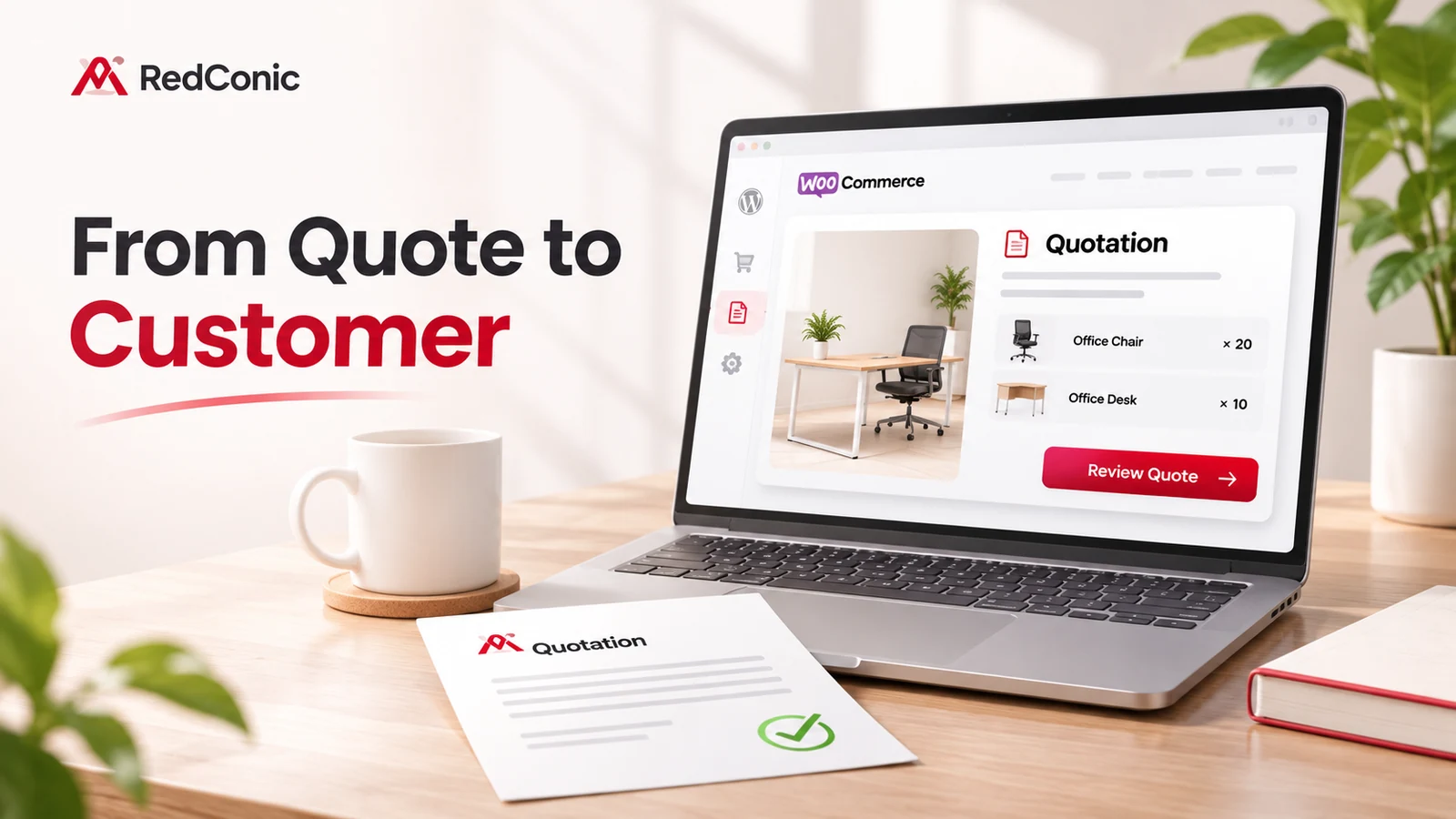
A customer has requested a price for 20 office chairs and 10 desks. Your team responds with a quotation. Then nothing happens.
Was the price too high? Did the buyer need approval? Did the email go to spam? Or did nobody explain what happens after the quotation?
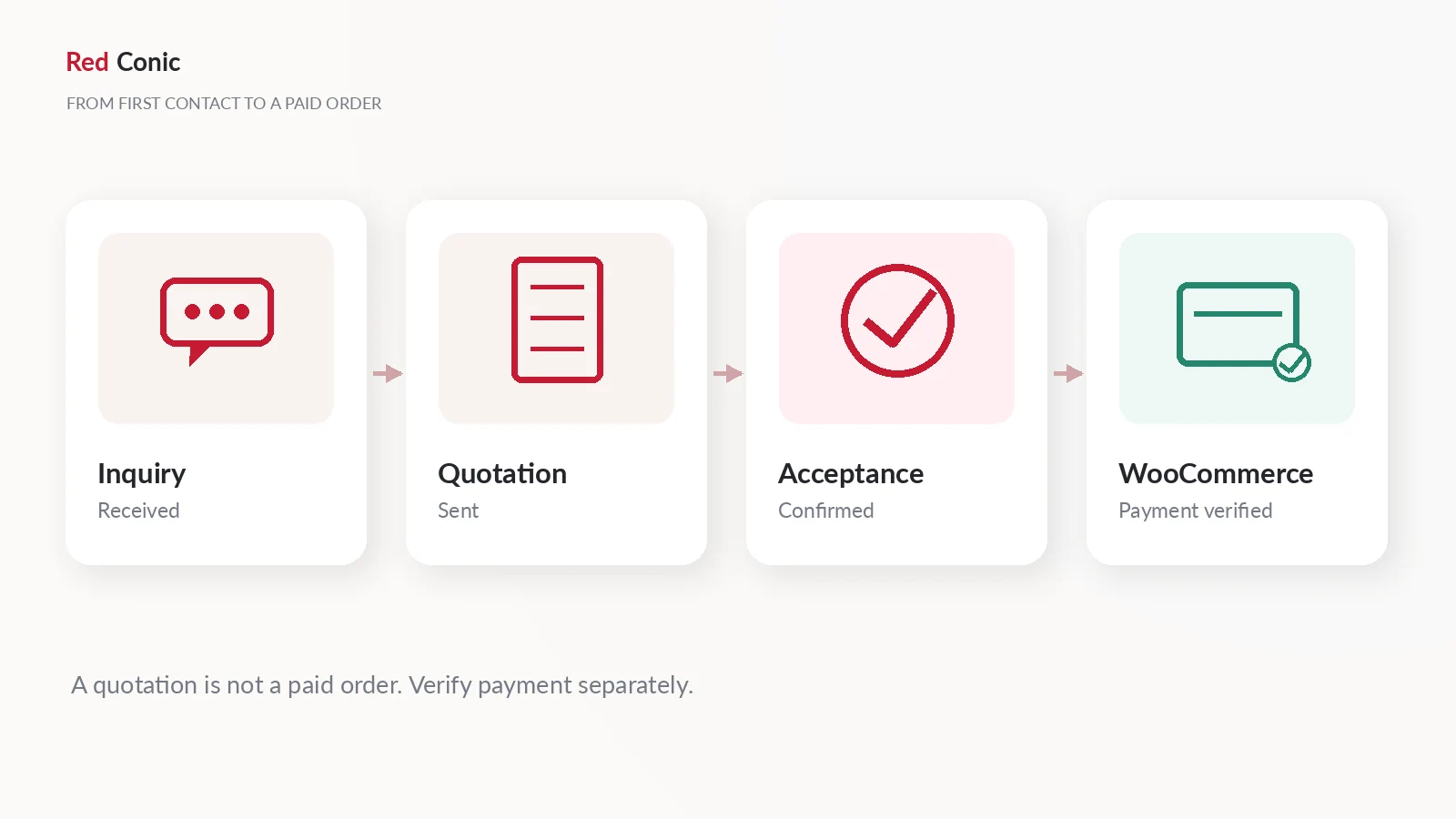
Quick answer: To convert more WooCommerce quote requests into orders, confirm the inquiry, check the buyer's requirements, send a clear quotation, make the next step obvious, follow up helpfully, and track the outcome. Treat inquiry, quotation accepted, WooCommerce order created, and payment received as different events.
The important work starts after the inquiry arrives. This guide focuses on that stage rather than repeating instructions for installing a quote button. If you are still deciding whether a quote workflow suits your store, our guide to getting more leads from your WooCommerce store with Request a Quote explains when it pays off.
It also shows where RedConic Quote Manager Pro can help you organize product inquiries and merchant quotations inside WordPress, without claiming that a plugin replaces pricing judgment, customer service, or sales follow-through.
Why Quote Requests Don't Automatically Become Sales
A buyer who submits a quotation request is interested, but not necessarily ready to buy. In many industries, the next decision may involve finance approval, a specification change, delivery confirmation, or comparing proposals.
Four common gaps cause unnecessary uncertainty:
- No clear owner: the inquiry lands in a shared inbox, and nobody is responsible for replying.
- Missing details: the quote omits quantities, shipping conditions, validity, or what is included.
- No next action: the customer gets a price but no clear way to accept, ask a question, or pay.
- Poor follow-up: the merchant either never checks in or sends repetitive, pushy reminders.
These issues are especially visible for expensive products and projects with long buying cycles. In an October 2026 WooCommerce community discussion, a merchant selling high-ticket installation products explained why ordinary abandoned-cart email campaigns did not fit a quotation-led business. The discussion also highlighted the need to stop quote reminders after a deal is recorded and to keep installation-related communications separate.
That is one merchant's experience, not a market-wide conversion statistic. Nevertheless, it illustrates a useful principle: a quote request needs its own sales process.
Understand the Four Different States of a Quote-Driven Sale
One of the easiest mistakes is treating every positive response as a completed order.
| Stage | Meaning | What to do next |
|---|---|---|
| Inquiry received | The customer has asked about products or pricing | Check requirements and ownership |
| Quotation sent | You have offered specified terms and a price | Give the buyer clear options |
| Quotation accepted | The customer has agreed to the offer | Follow the verified order-creation process |
| Paid WooCommerce order | Payment has been confirmed by the actual gateway or approved payment process | Begin fulfillment under your store's rules |
An accepted quotation is not automatically proof of payment. WooCommerce distinguishes Pending payment, Processing, and Completed orders, and can also use On hold when payment confirmation is delayed. The official WooCommerce order-status guide explains the differences.
Keep quote status and payment status separate in both your operational checklist and your reporting.
Step 1: Respond to the Inquiry Before Writing a Price
A quick acknowledgement tells the customer that the request was received. It also gives your team a chance to identify missing information before preparing a proposal.
For each inquiry, check:
- Which products and variations were requested?
- Are the quantities, units, and sizes unambiguous?
- Is the intended delivery destination known?
- Do you need a drawing, artwork file, or other specification?
- Is a target delivery date important?
- Who on your team owns the response?
Don't force every prospect to enter unnecessary information. Ask only what you need to prepare an accurate offer.
Example: an office furniture request
A buyer requests 20 ergonomic chairs and 10 adjustable desks. Before quoting, confirm the chair finish, desk size, location, installation needs, and whether the quantities are firm. This makes the subsequent quotation more useful than a generic price list.
Customer acknowledgement template
Subject: We received your request for office furniture
Hi [First name],
Thanks for your inquiry about the chairs and desks. We're reviewing the requested quantities and will contact you if we need any details before preparing the quotation.
If your delivery date or specifications have changed, just reply to this email.
[Company name]
Do not promise a specific turnaround time unless your team can reliably meet it. If you use automated acknowledgements, check that they are sent only once per genuine inquiry.
Step 2: Build a Quotation the Buyer Can Actually Evaluate
A professional quote should reduce decision-making work for the customer.
For a useful proposal, clearly identify the products, quantities, configurations, delivery scope, prices, discounts, fees, applicable taxes, availability assumptions, and validity period. Explain anything excluded from the offer, such as assembly or installation.
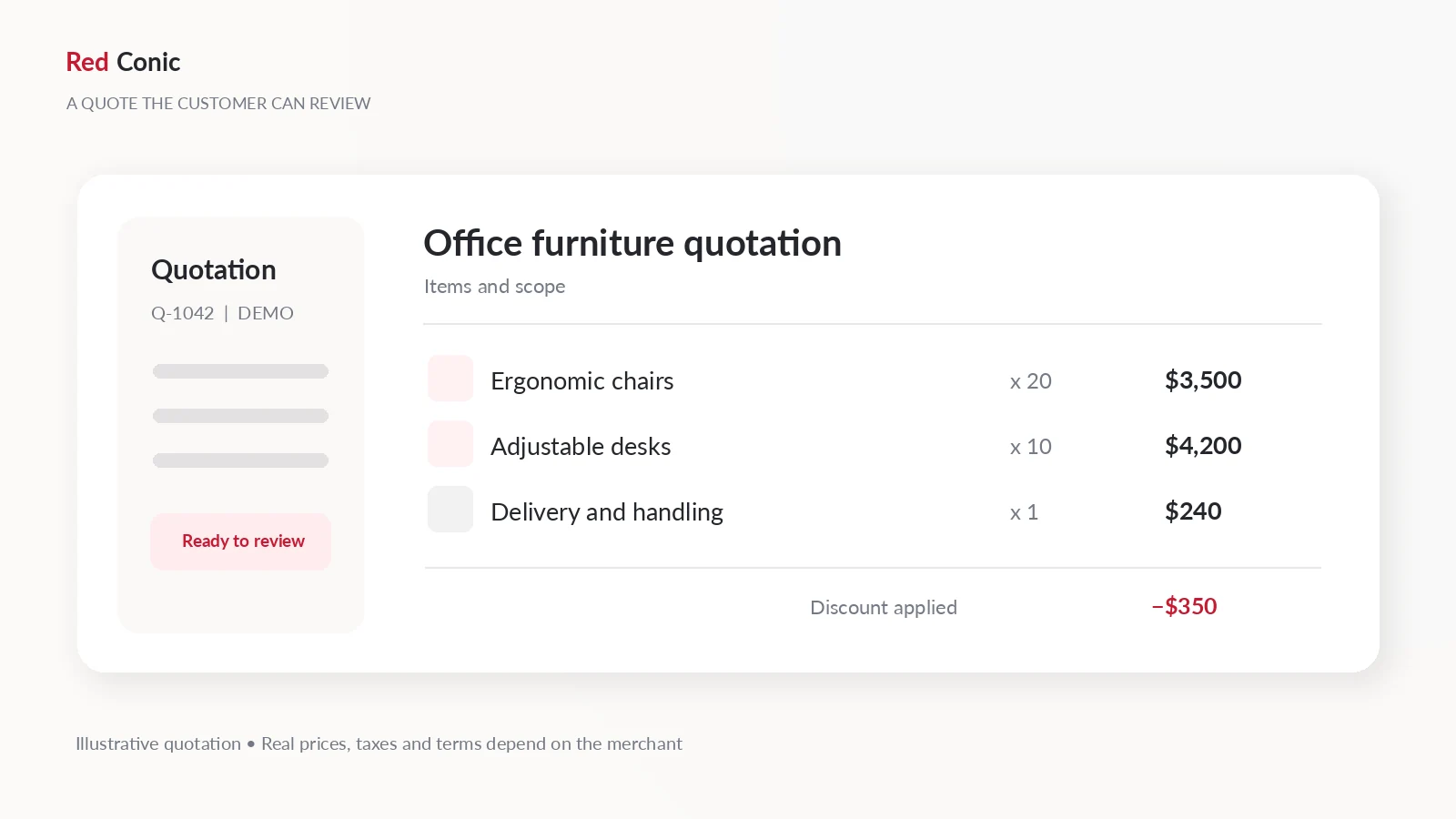
Here is an illustrative quotation example. All quantities and prices are fictional:
| Line item | Qty. | Unit price | Line total |
|---|---|---|---|
| Ergonomic chairs | 20 | $175 | $3,500 |
| Adjustable desks | 10 | $420 | $4,200 |
| Delivery and handling | 1 | $240 | $240 |
| Approved package discount | 1 | −$350 | −$350 |
| Subtotal before applicable taxes | $7,590 |
The quotation should also state whether installation is included, when pricing expires, and which delivery assumptions apply. Use a reasonable validity period based on your actual cost volatility; don't copy an arbitrary deadline into every quote.
If your catalogue has no fixed prices at all, our guide to selling custom products and bulk orders in WooCommerce without fixed prices explains how to choose a pricing method before you quote.
Three questions to answer before clicking Send
- Can the buyer compare this offer with their requirements? Product and quantity details should be obvious.
- Can the buyer calculate the final amount? Explain taxes, delivery, and what may change.
- Can the buyer take the next step? Provide a clear acceptance or reply route, and only provide a checkout link when the configured workflow supports it.
This is where RedConic Quote Manager Pro can be useful: its inquiry records, statuses, manual quotation management, and related email controls keep the request tied to its selected WooCommerce products. Check your exact plugin release before describing any acceptance-to-checkout feature as active.
Step 3: Give Customers Three Clear Ways to Respond
Many quotations end with an attachment and no instruction. Make the decision simple.
The customer should understand how to:
- Accept: agree to the quotation and proceed through the merchant's verified ordering path.
- Request a change: adjust quantities, specifications, delivery arrangements, or other terms.
- Decline or defer: indicate that the offer does not fit or that the project is on hold.
A clear call to action can be a secure quotation link, a verified customer-portal action, or simply a reply to the quotation email. Use whichever mechanism the installed system actually supports.
Never assume that a generic email acceptance instantly creates a valid WooCommerce order. Confirm which process your store uses and test the agreed prices, customer identity, stock behavior, taxes, and payment flow.
What if the buyer says, “It's too expensive”?
Don't immediately offer a discount. First find out whether the objection concerns the overall budget, delivery charges, product specifications, or an unhelpful comparison.
A useful response might be:
Thanks for reviewing the quotation. Is the main concern the total budget, delivery cost, or a particular product? If you share your target range, we can check whether a different configuration or quantity would better fit your requirements.
This invites a useful decision without implying that every request deserves a price reduction.
Step 4: Follow Up Without Becoming Pushy
There is no universal best reminder schedule. A large procurement project may need days or weeks of internal approval, while a smaller custom order may move much faster.
Start with a lightweight example cadence, then adapt it to your customer, product value, and the buyer's stated timeline:
| Timing after sending the quote | Purpose | Example message |
|---|---|---|
| About 2 business days | Confirm the quotation was received | “Did the quote reach you, and is anything unclear?” |
| About 5–7 business days | Remove a decision blocker | “Would a different quantity or delivery option help?” |
| Before a genuine expiry date | Clarify the validity window | “These prices are valid until [date]; happy to review changes.” |
These are examples, not evidence-backed universal timing rules. Never create fake scarcity, and avoid sending an expiry reminder if the offer has no real expiry date.
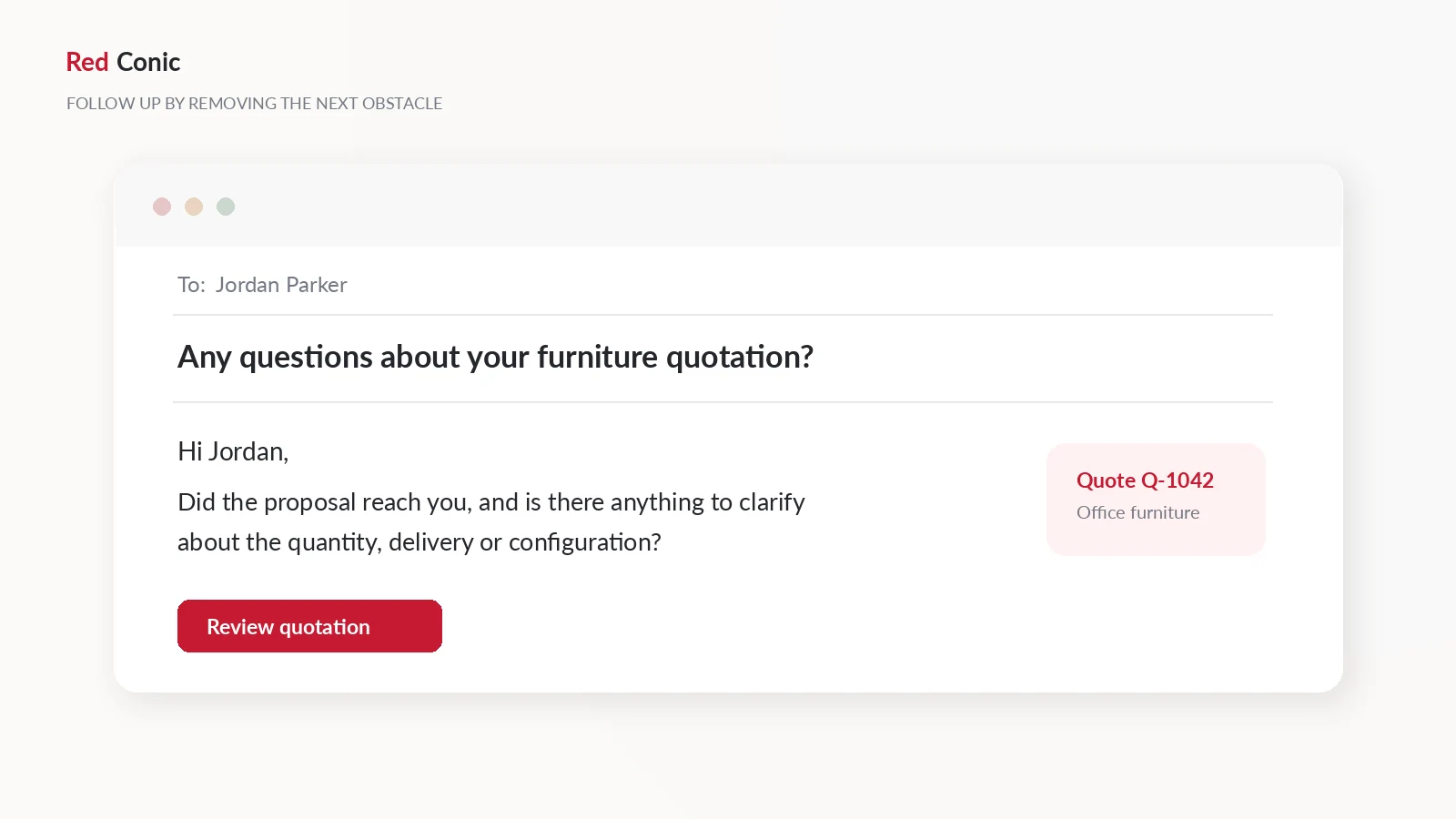
First follow-up template: helpful, not urgent
Subject: Any questions about quotation [reference]?
Hi [First name],
I'm following up on the quotation for [products/project]. Did you receive it, and is there anything you'd like clarified about the specifications, delivery, or pricing?
If you're still reviewing options, that's completely fine. A short reply with your preferred next step is enough.
[Company name]
Second follow-up template: solve a specific concern
Subject: Options for your [project] quotation
Hi [First name],
If the proposed quantity, finish, or delivery arrangement is not quite right, we can review an alternative before you decide.
Would you like us to revise anything, or should we close this inquiry for now?
[Company name]
Avoid using misleading “Re:” prefixes on new conversations, hidden tracking tricks, or repeated pressure messages. Respect direct unsubscribe requests and applicable marketing communication requirements. Genuine one-to-one quotation correspondence should still be relevant and professional.
A detailed WebToffee guide to quote follow-ups discusses the same practical tension between being helpful and being too aggressive. The exact schedule should always be tested for your business.
Step 5: Stop Reminders When the Buyer Has Decided
An overlooked but expensive mistake is continuing to chase a customer after they have accepted, paid, declined, or asked not to be contacted.
Define clear stop conditions:
- A quote is accepted and the order process has begun.
- Payment is completed or confirmed by the appropriate gateway.
- The customer declines or the quotation is closed.
- The customer requests that follow-ups stop.
- The quotation is superseded by a revised offer.
If a sale closes over the phone, in person, or through a supported messaging channel, record it in the team's source of truth. Otherwise, stale reminder sequences can continue even though the sale is already complete.
Operational rule: A sales status change should be recorded exactly once and any unrelated reminder workflow should stop when its condition is no longer true.
Do not assume RedConic Quote Manager Pro includes every follow-up automation or synchronization feature. Use its existing inquiry statuses and email controls where supported, and build additional automations only after testing them in the specific installation.
Step 6: Move an Accepted Quote Into a Real WooCommerce Order
The exact method depends on your plugin version and enabled features.
Option A: Verified quote-to-checkout flow
If your installed quotation plugin supports customer acceptance and a secure WooCommerce checkout conversion, enable it only after end-to-end staging tests. Verify that the converted cart or order contains the agreed products, quantities, variations, discounts, shipping, taxes, currency, and customer identity.
RedConic's product roadmap includes acceptance-to-checkout functionality, but do not describe it as currently active unless the installed release has been checked.
Option B: Merchant-created WooCommerce order
If automatic conversion is unavailable, the merchant can create an appropriate WooCommerce order manually using the accepted quotation's terms, then provide a supported payment path. WooCommerce documents manual order management and payment-related order states.
In both cases, the quotation's accepted status and the order's payment status must remain distinguishable. Do not mark an order paid because a customer clicked Accept. Wait for a trusted payment confirmation and use the appropriate WooCommerce status.
Test these six things
- Product IDs, quantities, and variation choices match the accepted quotation.
- Negotiated prices and any approved discounts are not lost during checkout.
- Taxes, shipping, and currency are recalculated or preserved correctly under the documented rules.
- The actual buyer is associated with the correct order.
- Failed or abandoned payment does not become a paid sale.
- No duplicate quotation, order, or customer email is generated on a retry.
Step 7: Measure the Right Quote-to-Order Numbers
“More quotes” is not the same as “more sales.” Use a small measurement system that helps the team act.
The most useful metrics are:
| Metric | Formula | Why it matters |
|---|---|---|
| Qualified inquiry rate | Qualified inquiries ÷ all inquiries | Shows whether the inquiries fit your business |
| Quote response time | Time from inquiry to first useful reply | Shows whether leads are left waiting |
| Quote-to-paid-order rate | Paid orders attributed to quotes ÷ quotations sent | Measures the ultimate outcome |
| Average quoted order value | Paid revenue from quoted orders ÷ paid quoted orders | Helps evaluate economic value |
| Quote ageing | Open quotes grouped by days since the last action | Reveals neglected conversations |
An example worth calculating
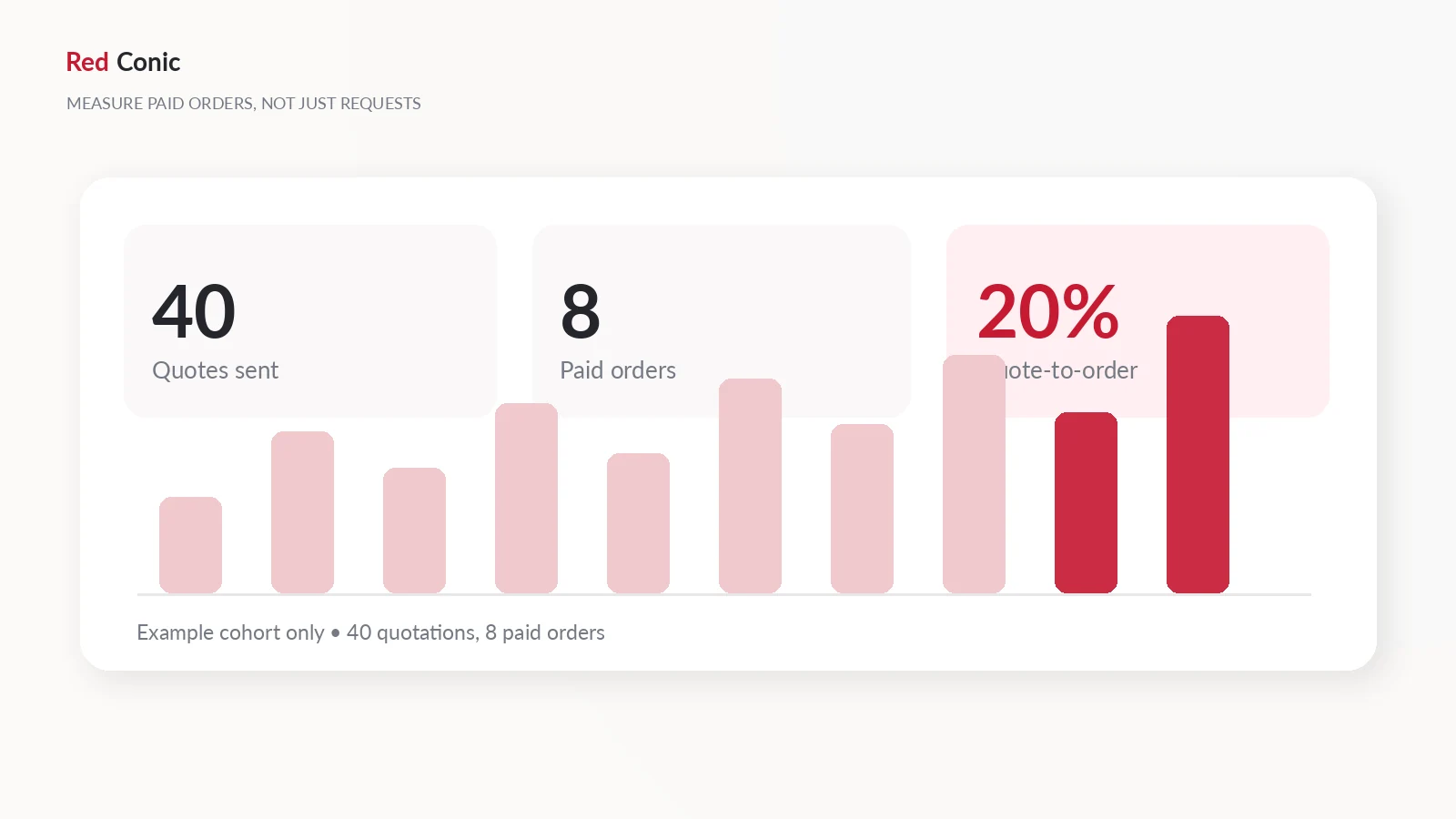
Suppose a store sends 40 quotations in a month, and 8 eventually produce paid orders. Its quote-to-paid-order rate is 20% for that tracked cohort. If those orders produce $24,000 in paid revenue, average revenue per paid quoted order is $3,000.
These figures are fictional examples, not RedConic performance claims.
Be careful with timing: a quotation sent near the end of the month may convert during a later month. Use consistent cohorts and avoid counting an accepted but unpaid quote as revenue.
The 15-Minute Daily Quote Review
A practical process does not require an elaborate CRM.
Try a short routine:
- New requests: assign an owner and confirm what is missing.
- In-progress requests: complete the costing or ask the remaining question.
- Quoted requests: check whether the customer needs clarification.
- Accepted requests: verify the order and payment path.
- Closed requests: note a basic reason, such as budget, timeline, unsuitable product, or no response.
A dashboard is useful because it makes the queue visible. RedConic Quote Manager Pro offers an admin inquiry list, status labels, manual quotation tools, and email-related controls for that part of the process.
If you manage many quotes, designate one team member to review aging inquiries and keep actions traceable. Avoid creating parallel spreadsheets that become disconnected from the original requests.
What RedConic Quote Manager Pro Helps With
RedConic Quote Manager Pro is a WooCommerce quotation tool for stores that need to capture product-based inquiries and manage them from WordPress.
Relevant features include:
- Add to Inquiry controls on eligible WooCommerce products.
- A multi-product inquiry drawer that collects product selections and quantities.
- A customizable inquiry form for customer and product requirements.
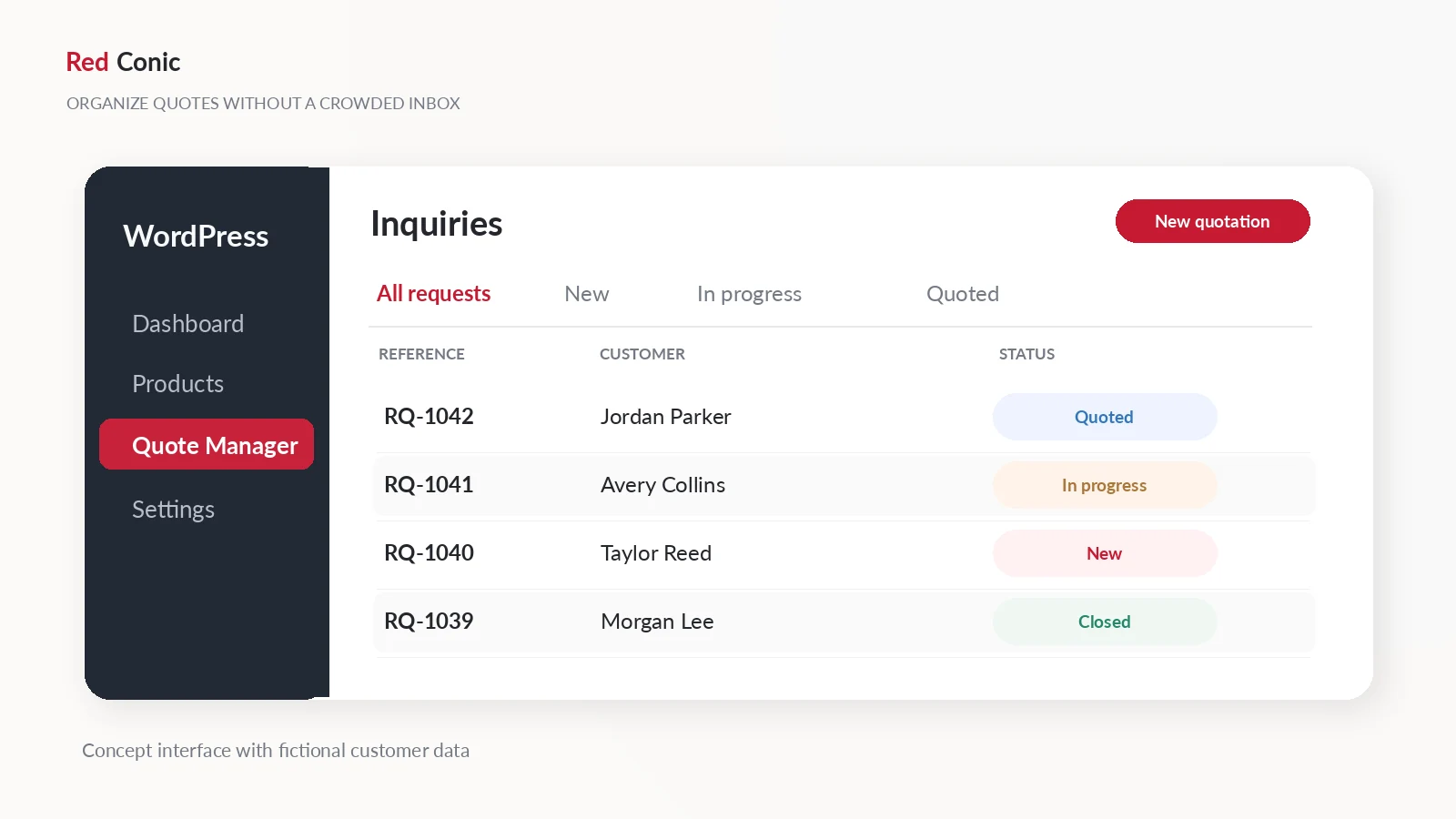
- An inquiry management dashboard with statuses such as New, In Progress, Quoted, and Closed.
- Manual quotations, email template/settings features, and email logging.
- CSV export for administrative reporting.
These tools address the organization and quotation side of the sales process. They do not guarantee more revenue and do not replace human pricing review, payment verification, or a responsible sales workflow.
For setup instructions, see how to add a Request a Quote button in WooCommerce. For custom-pricing decisions, see the guide to selling custom products and bulk orders without fixed prices.
Explore the plugin: RedConic Quote Manager Pro features and plans.
Common Mistakes That Make Quotes Go Cold
Sending a price without scope. State what the customer gets and what is excluded.
Discounting before clarifying. A delivery issue or wrong configuration may be the real objection.
No owner or response target. Shared inboxes need an accountable process.
Too many follow-ups. Messages must have a useful reason, not just repeat “Any update?”
No stop condition. Don't continue reminders after acceptance, payment, decline, or a stop request.
Confusing acceptance with payment. Verify WooCommerce order and gateway states separately.
Counting all inquiries as revenue. Measure actual paid orders attributed to quotations.
Unclear next steps. Give the buyer an obvious way to accept, ask for a revision, or decline.
Frequently Asked Questions
How do I convert a WooCommerce quote request into an order?
Confirm the quotation is accepted, then use a verified quote-to-checkout feature or create an appropriate WooCommerce order manually. Check the agreed products, prices, customer details, shipping, and payment status before fulfillment.
How soon should I follow up after sending a quotation?
There is no universal schedule. A first check-in after roughly two business days can be a starting experiment, but adapt it to the buyer's timeline, industry, and the actual quotation validity period.
Does an accepted quotation mean the customer has paid?
No. Acceptance means the buyer agreed to the offered terms. WooCommerce order and payment statuses are separate, and payment must be confirmed through the proper process.
How many follow-up emails should I send?
Send only as many as are useful and appropriate. Usually a receipt check, one helpful clarification, and a real expiry reminder (if applicable) are more useful than repeated pressure emails. Stop when the customer has decided or requested no further contact.
Can RedConic Quote Manager Pro send quotations?
The plugin provides manual quotation and related email tools. Test the configuration and templates in your installed release before relying on them in production.
Does RedConic automatically convert accepted quotes to WooCommerce checkout?
Do not assume that feature is active in every release. Check your installed version and enable and test the acceptance-to-checkout setting if supported. Otherwise use a documented manual order workflow.
What is a good quote-to-order conversion rate?
There is no trustworthy universal number across industries. Track your own qualified inquiries, quotation cohorts, paid orders, order value, and sales cycle, then improve your baseline without comparing unlike businesses.
Final Checklist: Make Every Quote Easy to Understand and Act On
Before sending your next quotation, check the product specifications, quantity, totals, delivery, taxes, exclusions, and validity. Make sure the buyer knows how to accept or request changes. Set a relevant follow-up task, stop it if the conversation closes, and measure whether the quotation eventually creates a paid order.
The goal is not to pressure every visitor into buying. It is to remove unnecessary confusion for customers who are already interested.
If your WooCommerce store receives repeated product inquiries, RedConic Quote Manager Pro can help keep those requests and merchant quotations organized in one WordPress workflow.