The practical decision guide for store owners who want fewer confused shoppers, better product inquiries, and an easier way to sell fixed-price, custom, and bulk-quantity products.
A visitor lands on your WooCommerce product page and wants to buy 20 chairs for an office. Another visitor wants to check whether a lamp comes in black. A third wants just one chair, at the price already displayed.
Those customers need three different next steps. The first may need a formal quotation, the second only a quick answer, and the third should be able to check out without talking to anyone.
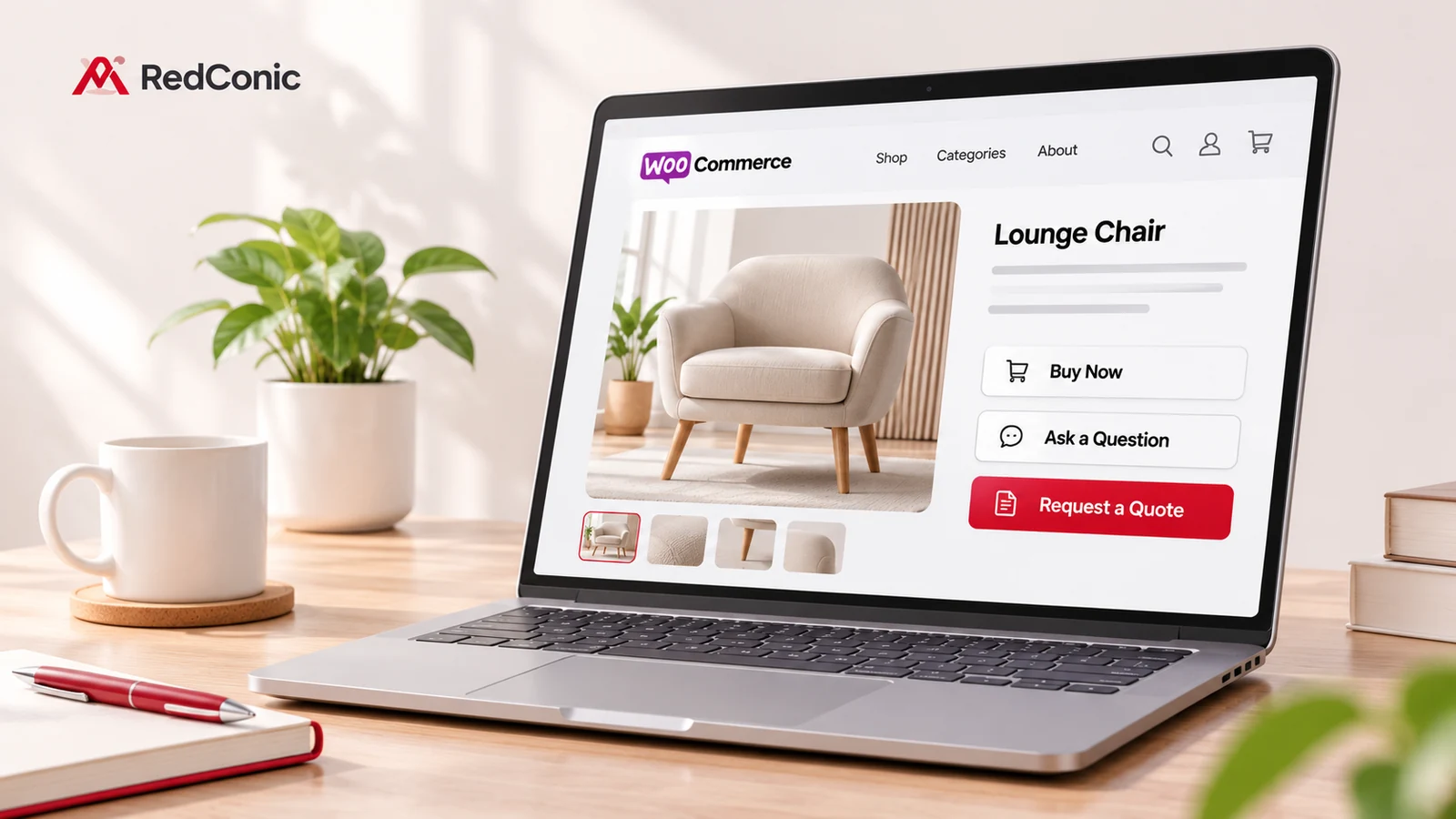
Yet many WooCommerce stores give all three the same choice: Add to Cart or Contact Us.
That isn't always wrong. But when the buying journey doesn't match the product, you risk extra emails, incomplete requests, or unnecessary friction for someone ready to pay.
Quick answer: Use standard WooCommerce checkout when the product and final price are clear; use a contact form for a simple question or occasional inquiry; use a Request a Quote workflow when the customer needs a price based on products, quantities, specifications, or delivery conditions. A mixed store can sensibly offer checkout and quotations on different products, or both on selected products.
In this guide, we'll compare the three approaches honestly. We'll also show where RedConic Quote Manager Pro can help, and where installing a quote plugin would be unnecessary.
The Three Ways Customers Can Contact or Buy From Your Store
There is no universal "best" button for WooCommerce. The goal is to help shoppers complete the right next action with as little confusion as possible.
Option 1: Standard WooCommerce checkout
Customers select a product, choose variations where needed, add it to the cart, enter shipping and payment details, and place an order.
Best for: fixed-price products, predictable shipping, straightforward inventory, and shoppers who are ready to purchase.
Main advantage: customers can pay immediately without waiting for a salesperson.
Main limitation: it isn't the ideal first step when the merchant cannot yet quote an accurate final price.
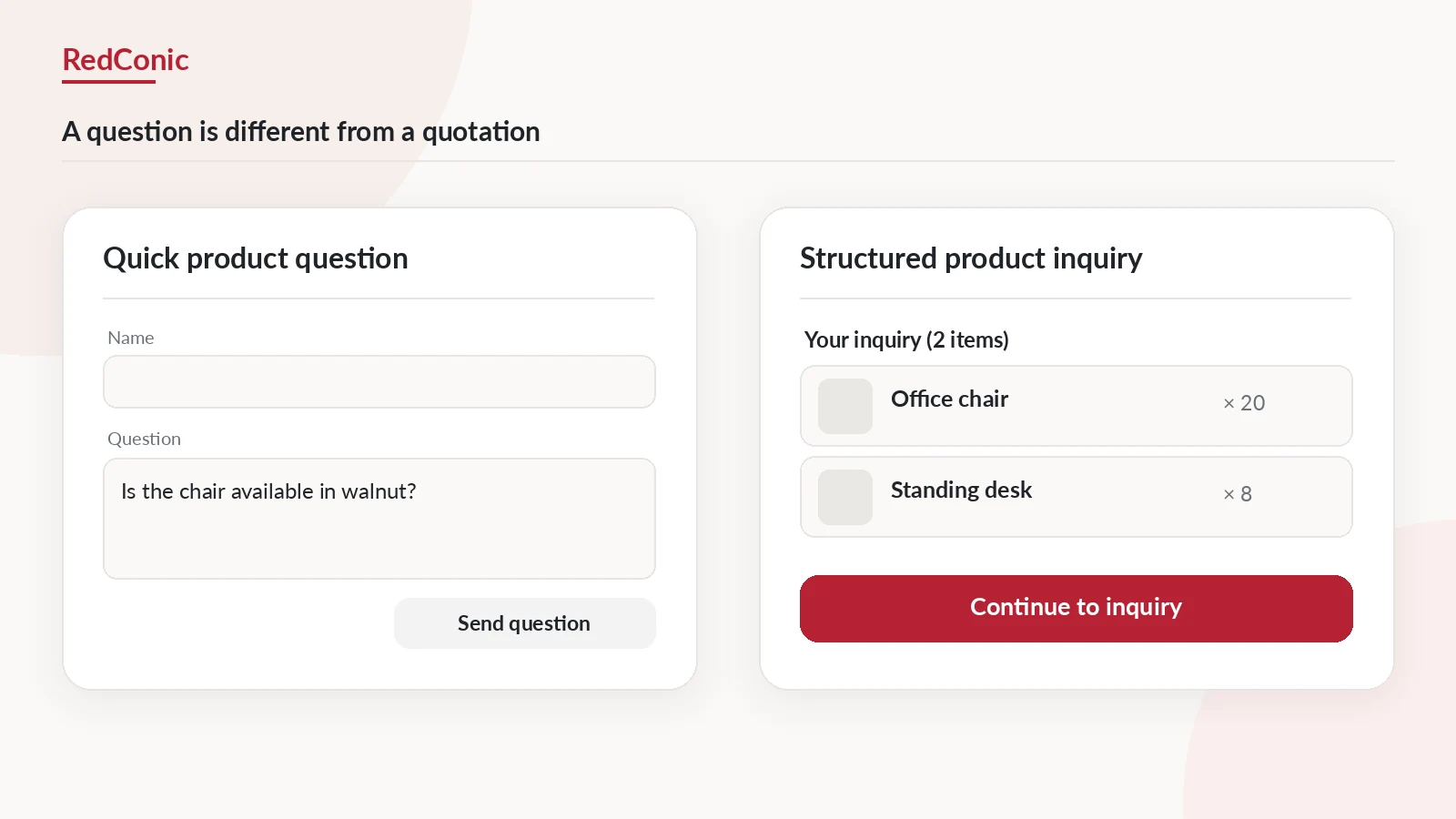
Option 2: A simple contact or product-question form
The customer sends a message such as "Is this available in walnut?" or "Can you ship this to Leeds?" The merchant replies.
Best for: occasional questions, service conversations, and low-volume inquiries that do not require a full quote document.
Main advantage: fast to set up and easy for users to understand.
Main limitation: a generic form often does not automatically capture product IDs, variations, multi-product quantities, or quote-management statuses. These capabilities depend on the chosen form solution and its configuration.
Option 3: A dedicated Request a Quote workflow
Customers select one or several products, review a quotation list, enter quantities and specifications, and submit a structured request. Staff review it and prepare an offer.
Best for: custom manufacturing, variable project pricing, large-quantity orders, installation-dependent products, and formal procurement requirements.
Main advantage: it keeps the request attached to the products and provides a clearer quotation process.
Main limitation: it adds a manual sales step. Customers who already know the final price should not be forced to request an unnecessary quote.
Quick Comparison: Which WooCommerce Method Fits Your Business?
Use this table as a starting point, not a substitute for testing the actual customer journey.
| Question | Standard checkout | Contact form | Request a Quote |
|---|---|---|---|
| Can the customer pay immediately? | Yes | Not through a basic form | Usually after a separate quote/order step |
| Is the product/quantity captured automatically? | Yes, in the order | Only if configured | Yes, with a product-connected quote solution |
| Good for one quick question? | Usually not needed | Excellent | Often excessive |
| Good for multi-product pricing requests? | Only with predictable prices | Awkward unless customized | Excellent fit |
| Supports manual price negotiation? | Not the default path | Informally, by email | Designed for merchant quotation |
| Most suitable for fixed-price retail? | Excellent | Secondary support channel | Usually unnecessary |
| Customer effort | Low for ready buyers | Low for simple questions | Moderate, when the question is complex |
| Merchant effort | Order fulfillment | Reply to messages | Review, price, quote, and follow up |
| Can work in a mixed catalog? | Yes | Yes | Yes, on selected products |
The distinction between quote and order matters. WooCommerce's own documentation describes quote-request flows in which users add products to a quote list and submit their details; separate extensions may then offer optional conversion to an order or checkout. These behaviors are extension-specific, not built into every generic contact form. (WooCommerce Quote Request documentation; Request Quote Form documentation).
Choose in 60 Seconds: A Decision Tree
Ask these questions in order:
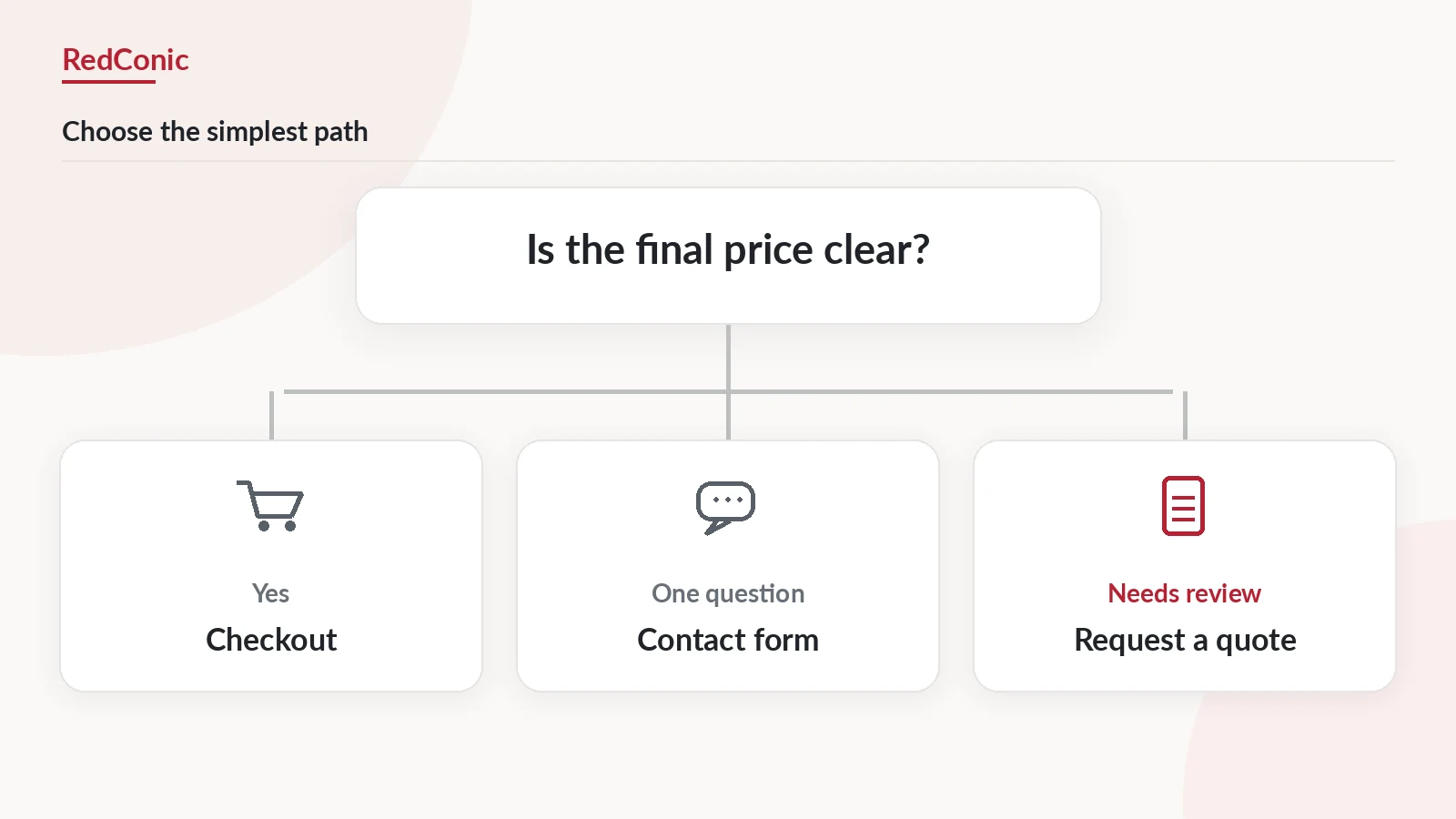
Question 1: Can you calculate the customer's total accurately before they contact you?
- Yes: keep ordinary checkout available. Go to Question 2.
- No: consider Request a Quote. Go to Question 3.
Question 2: Does the customer only need an answer before deciding?
- Yes: add an easy product-question link or simple contact form alongside checkout.
- No: the normal purchase flow is likely enough.
Question 3: Does the request involve product selection, quantities, files, variations, or multiple items?
- Yes: use a product-connected quotation system that collects those details.
- No: a focused form may be sufficient for a one-off bespoke service or consultation.
Question 4: Are some products fixed-price and others made-to-order?
- Yes: keep a mixed catalog. Only enable quote requests where appropriate.
- No: design your main buying path around the actual pricing model.
An important fourth option: configurable product pricing
Not every customizable product needs a manual quotation. If a chair's fabric, size, and finish have predictable price differences, WooCommerce variations or a product add-ons system may let shoppers configure and buy it immediately.
Official WooCommerce Product Add-Ons documentation covers paid options, text inputs, file uploads, and quantity-based charges. This can be better than adding a human approval step for every order.
Use manual quotations when the calculation itself requires a check: materials, freight, fabrication time, installation conditions, or a substantial negotiated package.
Five Realistic Store Scenarios
Scenario 1: A store selling standard accessories
A customer wants a desk lamp with a known price and ordinary shipping.
Choose: checkout first. Keep support accessible for product questions.
Forcing a quotation request would make the purchase slower for no clear benefit.
Scenario 2: A furniture store with both ready-made and custom pieces
A ready-made chair is priced at $175. A made-to-order conference table depends on size, timber, finishing, and delivery.
Choose: checkout for the chair, quotations for the custom table. If the chair is frequently purchased in large quantities, consider offering both checkout and an optional inquiry path for those purchasers.
This is often the most effective setup for a mixed WooCommerce catalog because it respects different buying intentions.
Scenario 3: A printer receiving artwork questions
A customer asks whether a supplied logo is print-ready, but the product itself has standardized pricing.
Choose: a short contact or artwork-question form may be enough.
If printing costs change with materials, quantities, finishing, and deadlines, a quotation process becomes more useful.
Scenario 4: A contractor buying several products for a project
The buyer selects steel sections, insulation materials, and special fixings, each with quantities or specifications that need manual verification.
Choose: a multi-product Request a Quote system. The merchant should receive a consolidated list rather than a string of emails with copied product names.
Scenario 5: A machine requiring installation and a site assessment
The product price alone does not include transport, setup, power requirements, or operator training.
Choose: a quotation form that captures the machine model and project details, followed by a merchant-reviewed proposal.
The key insight is that the same customer might need a different buying path for different products.
When a Contact Form Is Enough, and When It Isn't
A contact form has an important job. It should not be treated as the inferior choice just because a quotation plugin offers more features.
A simple form is often better when:
- the store receives only a handful of questions each month;
- the buyer isn't asking for a formal product-by-product price;
- the request is mostly a support or availability question;
- the product can still be purchased normally once the question is answered.
Keep the form short: name, email, product reference when relevant, and the question. Add a privacy notice. Ensure the receiving inbox is monitored and email delivery is tested.
A basic contact form becomes less convenient when:
- the customer wants five different products priced together;
- the merchant needs exact variations, quantities, and attachments;
- several staff members need to assign and track quote requests;
- customers need updated quotations and a consistent response record.
If your staff repeatedly asks "Which product did you mean?" or copies product names from emails into spreadsheets, you may have reached the point where a product-connected quote workflow saves real work.
When Request a Quote Is the Better Tool
A dedicated quote workflow is most valuable when the product details are part of the conversation.
For example, a buyer wants 12 office chairs and 6 desks. A good request should preserve which chairs and desks they selected, their quantities, relevant options, and any delivery requirements. The store then prepares a quotation explaining the total and any conditions.
A useful quote system should help with these stages:
- Selection: customers add eligible products without immediately paying.
- Review: they inspect the products and quantities before submission.
- Requirements: the form gathers specifications or files when necessary.
- Administration: staff review the request and assign a status or owner.
- Quotation: the merchant provides the actual offer and an understandable next step.
- Order: if accepted, the customer follows a verified order/payment path supported by the installed system.
Importantly, an inquiry is not a sale, and an accepted quotation is not proof of payment. WooCommerce distinguishes pending-payment orders from payment-confirmed orders in its official order-status guidance.
How RedConic Quote Manager Pro Fits into This Comparison
RedConic Quote Manager Pro is designed for WooCommerce stores that need a product-connected quotation workflow, rather than simply another contact form.
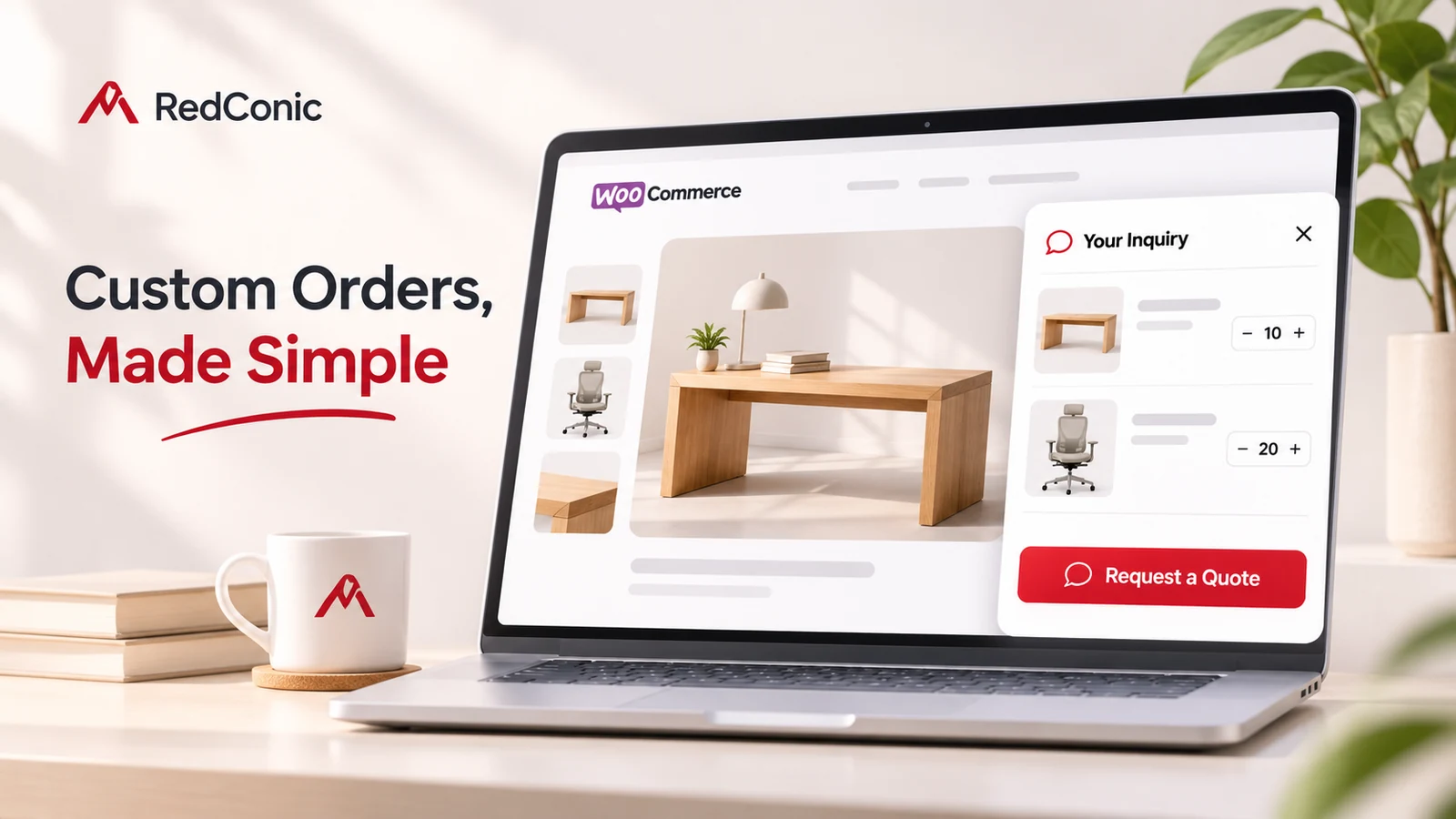
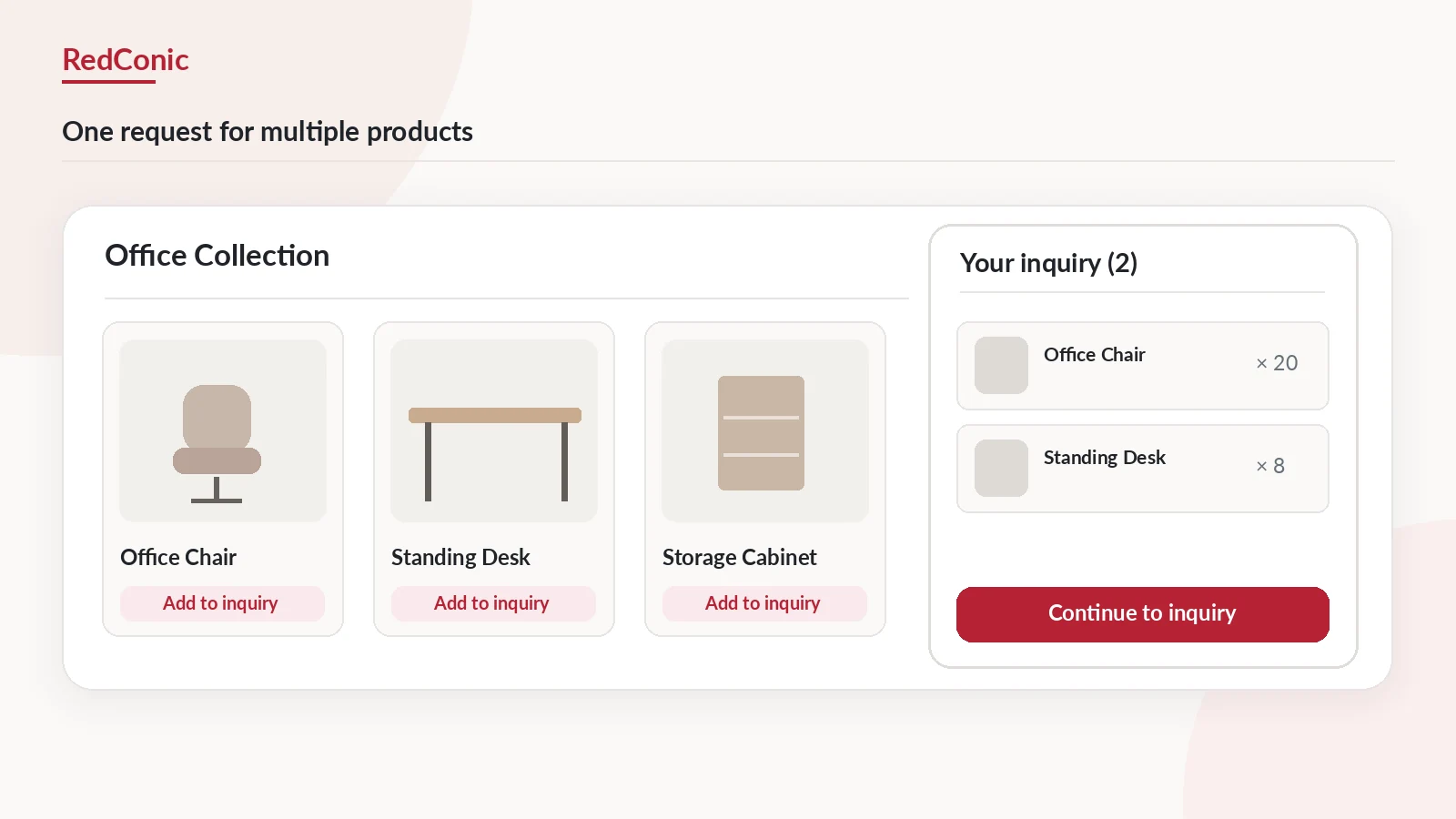
The product's relevant capabilities include an Add to Inquiry button, a right-side multi-product inquiry drawer, product/category controls, customizable inquiry fields, a WordPress inquiry dashboard, merchant quotation management, email-related controls, and CSV exports.
These capabilities are useful when customers need to describe a buying request that cannot be completed through ordinary fixed-price checkout.
Example: A mixed office-furniture store
The store sells desk lamps, ready-made chairs, and custom office furniture.
- Keep ordinary Add to Cart for ready-to-buy products.
- Enable Add to Inquiry for made-to-order furniture and selected quantity-sensitive products.
- Let buyers collect several eligible products in one inquiry list.
- Collect useful requirements without asking every customer to complete an enormous form.
- Review each request in WordPress and send the appropriate quotation.
This solves a more specific problem than adding a generic "Contact Us" button to every product.
Where RedConic is not necessary: a small store with fixed prices and occasional product questions may be better served by checkout plus a simple form. That is a valid outcome.
Product note: An inquiry record or an accepted offer is not the same as a paid WooCommerce order.
Explore RedConic Quote Manager Pro features.
Build a Mixed Buying Experience Without Confusing Shoppers
The biggest mistake is not choosing the "wrong" plugin. It is putting too many competing buttons on a product page without explaining their meaning.
Use one primary action for the primary buying intent
On a $25 accessory with a known price, Add to Cart should normally remain the dominant action.
On a highly customizable commercial installation, Request a Quote may deserve primary emphasis.
On a mixed-use product, both can appear, but give each a clear purpose, such as:
- Add to Cart: "Buy at the listed price."
- Request a Quote: "Ask about custom quantities or specifications."
Do not label the inquiry button "Buy Now" or imply that submitting a quote form places an order.
Keep navigation and product context intact
A quote feature should not disrupt the normal shopping experience. Test your product page and quote drawer with variable products, selected quantities, long product names, and mobile layouts.
If customers can add several products to a quotation list, provide a visible way to review them before submitting.
Don't collect the same details twice
If the inquiry already knows the selected products, don't ask the customer to type them into a message field again.
Ask for information your team truly needs: a delivery postcode, drawing, materials, desired date, or a short description of customization.
Separate lead management from payment status
A new inquiry should enter a sales-review workflow. Only a verified WooCommerce order or payment confirmation should drive purchase fulfillment.
Do not accidentally trigger "order paid" emails from quote-submission events.
Make mobile usability a release requirement
Test keyboard focus, button contrast, form errors, the inquiry drawer's close control, and narrow-screen layouts. A quotation feature should improve the experience, not produce a floating overlay that blocks checkout.
A Practical Implementation Plan for a WooCommerce Store
You can test the right buying flow without changing your entire catalog at once.
First: classify your catalog
Create three product lists: ready to buy, needs a quick question, and needs a quotation. Some products may appear in more than one list if different customer types buy them differently.
Second: choose the smallest sufficient solution
Use built-in checkout when possible. Add a form for occasional inquiries. Use a quote system when products, quantities, and statuses need to be managed together.
Third: configure a small pilot
Choose five to ten products. Test an ordinary purchase, a simple question, and a multi-product quote request from the customer's point of view.
Fourth: check the merchant response
Confirm that product selections arrive correctly, the inbox receives appropriate notifications, and someone owns each request. Have a standard checklist for quotation pricing and conditions.
Fifth: measure the result
Look at more than the number of form submissions:
| Metric | What it reveals |
|---|---|
| Add-to-cart conversion | How often ready buyers begin checkout |
| Completed paid orders | Actual purchases |
| Product-question volume | How many visitors need basic clarification |
| Qualified quote requests | Requests that fit your products and requirements |
| Quote-to-order conversion | How often formal quotations lead to real orders |
| First-response time | How long customers wait before hearing from your team |
These measurements help you decide whether the new quote path is creating qualified sales opportunities or merely extra administration.
Common Mistakes to Avoid
Replacing checkout across the entire store: you can lose easy purchases from customers who already know what they want.
Installing a quote plugin for every minor question: it may create unnecessary configuration and maintenance work.
Using a generic form for complex multi-product inquiries: staff must manually reconstruct which products and variants the customer meant.
Asking for too much personal information: long forms can discourage customers and increase privacy responsibilities.
Hiding prices without explaining why: visitors need to know whether the product is custom-priced, made-to-order, or simply awaiting a reply.
Treating inquiry submissions as orders: product inquiries should not be counted as revenue or trigger fulfillment.
Overpromising automated features: confirm the behavior of your exact plugin release before describing quote acceptance, checkout conversion, emails, or stock handling.
Publishing a comparison that only praises your own product: readers will notice. Show the cases where a simpler form or standard checkout is genuinely better.
Frequently Asked Questions
Is Request a Quote better than a contact form in WooCommerce?
It is better when product selection, quantities, specifications, formal quotations, and request tracking matter. A contact form is usually simpler for a one-off question or a low-volume service inquiry.
Should I replace Add to Cart with Request a Quote?
Only for products that genuinely require pricing or specifications to be reviewed before purchase, and only using supported product controls. Keep checkout available for ready-to-buy products.
Can I offer both Add to Cart and Request a Quote?
Yes, when your quote solution supports both actions. This can work well for a store that sells products at standard prices but also receives large-quantity or custom requests.
What if my product has predictable customization options?
Consider WooCommerce variations or a product add-ons solution. If prices can be calculated accurately, customers may be better served by immediate checkout than by requesting a manual quotation.
Can a contact form capture product details automatically?
Some form solutions can prefill product data or use custom integrations. However, a generic form does not automatically provide multi-product quote baskets and quotation administration without additional work.
Does submitting a quotation request create a paid order?
No. A quote request is a sales inquiry. Some dedicated solutions offer a separate quote-to-order conversion workflow, but the exact behavior depends on the installed extension and its settings.
What type of store benefits most from RedConic Quote Manager Pro?
A WooCommerce store that needs to collect product-based, multi-item or specification-dependent inquiries and manage merchant quotations inside WordPress. See RedConic Quote Manager Pro for the current published capabilities.
Can I hide the product price and use only a quote form?
Some quote solutions support quote-only product presentation. Confirm how the exact extension handles purchasability, variable products, direct cart URLs, inventory, and checkout. Don't rely on CSS alone to disable a purchase flow.
Final Recommendation: Match the Button to the Buying Decision
The best WooCommerce experience is not one where every product page has the most features. It is one where each buyer can take the right next step.
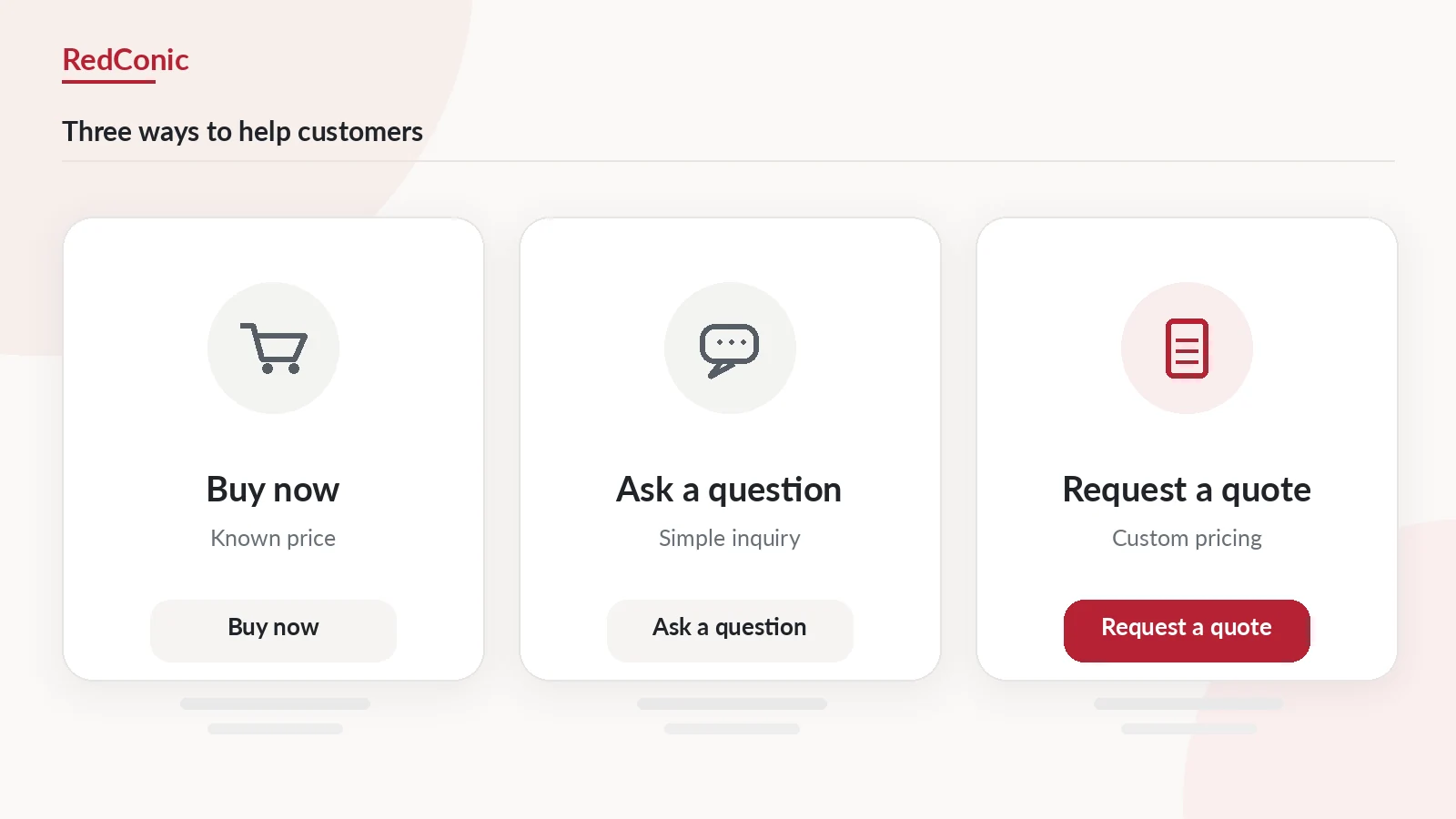
For a simple, fairly priced product, let the customer buy. For a quick question, make it easy to ask. For a project that needs a formal price, provide a proper Request a Quote workflow.
When your catalog needs all three, use a mixed approach and keep the interface clear.
RedConic Quote Manager Pro is worth considering for the quotation part of that workflow, especially when you need product-linked inquiry lists, custom fields, and organized merchant responses. It should complement the normal WooCommerce experience, not make straightforward purchases harder.
Explore: RedConic Quote Manager Pro for WooCommerce.
Continue Reading in This Series
- How to Get More Leads From Your WooCommerce Store With Request a Quote
- How to Add a Request a Quote Button in WooCommerce
- How to Sell Custom Products and Bulk Orders Without Fixed Prices
- How to Convert WooCommerce Quote Requests Into Paying Customers